Apps
Announcements
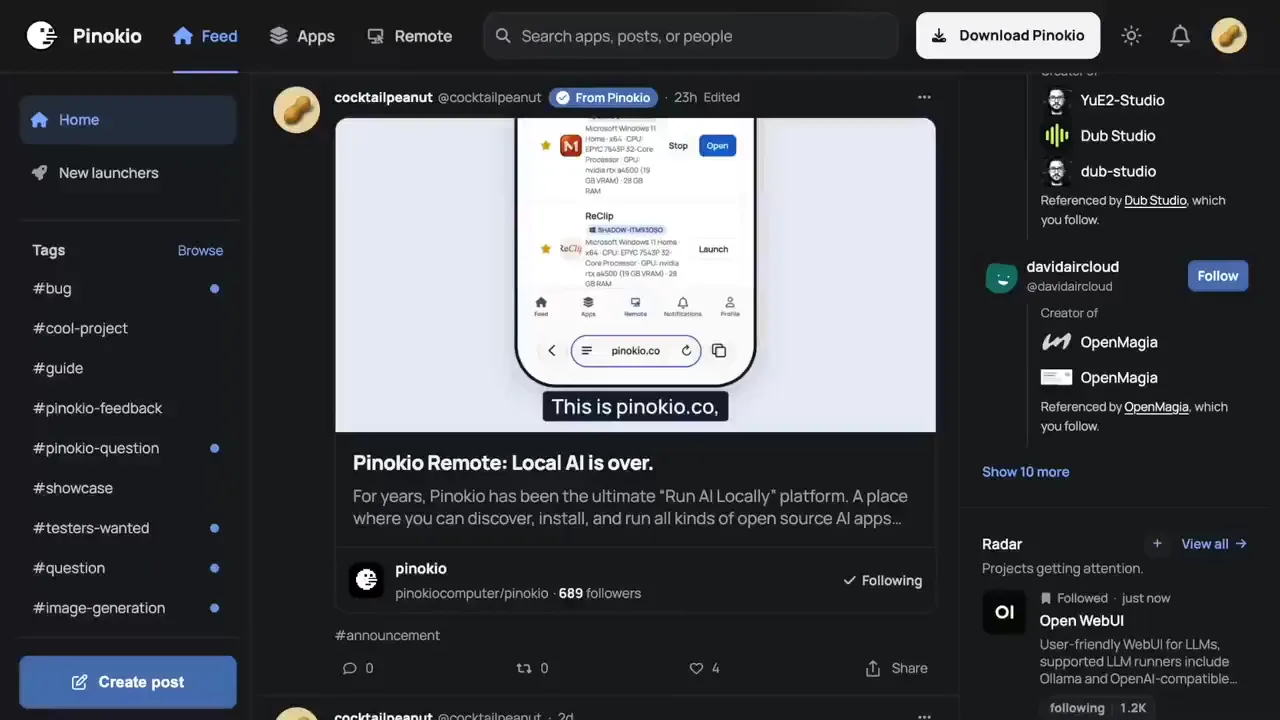
Phosphene 4.19.17 - fewer crashes when a video starts, clearer messagesA bug-fix release, free for everyone. In Pinokio, press Update, then restart Phosphene. Fewer "the graphics chip took too long" crashes at the start of an LTX video, mostly on 16 GB Macs and Macs with the models on a slower disk. Clips look the same and take no longer. Training no longer stops with "exited with code 1" when its model files are not downloaded yet: Start tells you what is missing and offers Download all. A failed run now shows the trainer's own reason. Image renders: a LoRA that is no longer on your Mac, a FLUX.2 LoRA made for a different FLUX.2 size, too many reference images, or too little disk space now get a plain message before the render starts, instead of failing halfway. After your fifth finished render, a small card asks once if you would star Phosphene on GitHub. Whatever you click, it never comes back. Thanks to everyone whose error reports pointed at these. Release notes: https://github.com/mrbizarro/Phosphene/releases/tag/v4.19.17





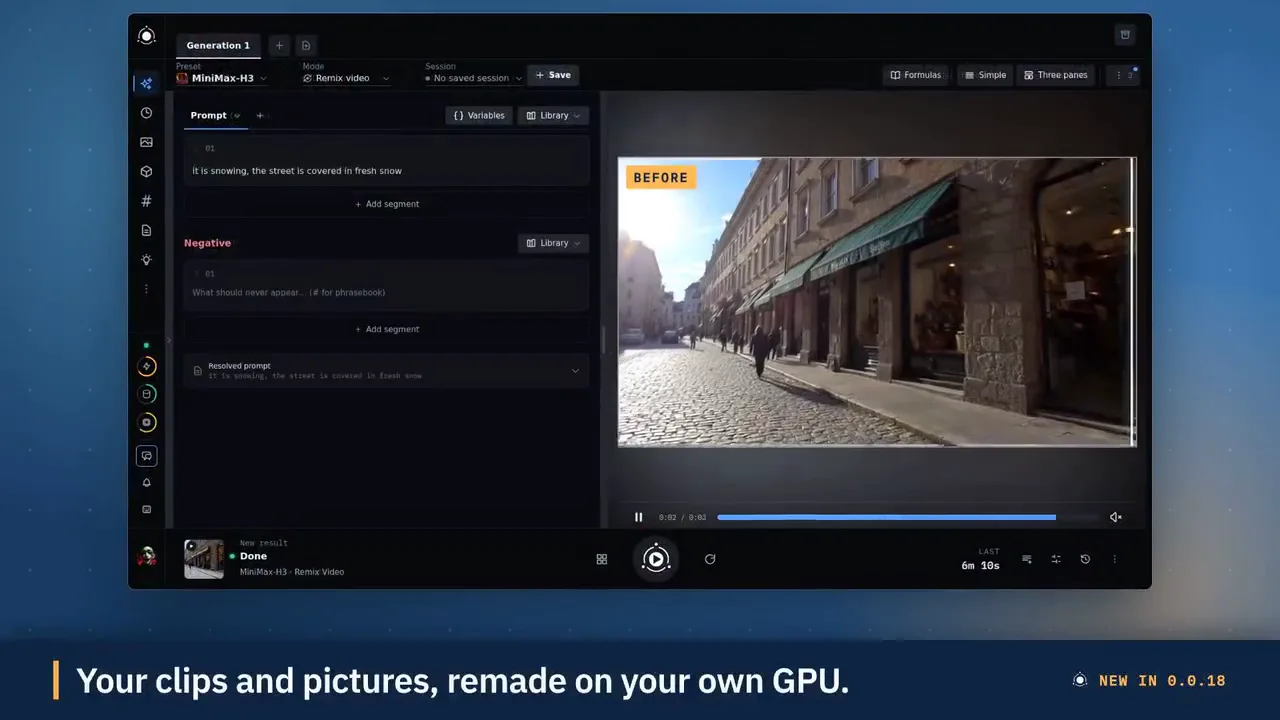
PotionUI 0.0.18: Qwen edits and restyles, LTX-2.5 effect modes, MiniMax-H3 Remix and ExtendPotionUI 0.0.18 is out Make more with the models you have, and get started faster. Click Update in Pinokio to get it. What's new Qwen-Image 2.1: Edit text, Restyle (style, background, lighting, colourise, restore) and Combine images LTX-2.5 effects: Restore, Colorize, Day to night, Add water, Remove object, Layout to render and Cinemagraph, all on the fast Distilled profile MiniMax-H3: Remix, Extend, Refine faces and Talking video, and Upscale now works Guided first run: checks your GPU, picks a starter model that fits and installs it. Skip it and resume any time Media tools: trim, crop, resize, speed, join and more in one Tools menu on Library and History, plus a details bar with E, D and F shortcuts Chat: rebuilt engine, new provider connections, cost per step Library favourites, batch prompt tabs and new icons for every mode Before you update Back up your storage folder Existing chats are converted on first start Full changelog: https://github.com/PotionUI/PotionUI#changelog If PotionUI is useful to you, a star on GitHub helps others find it.


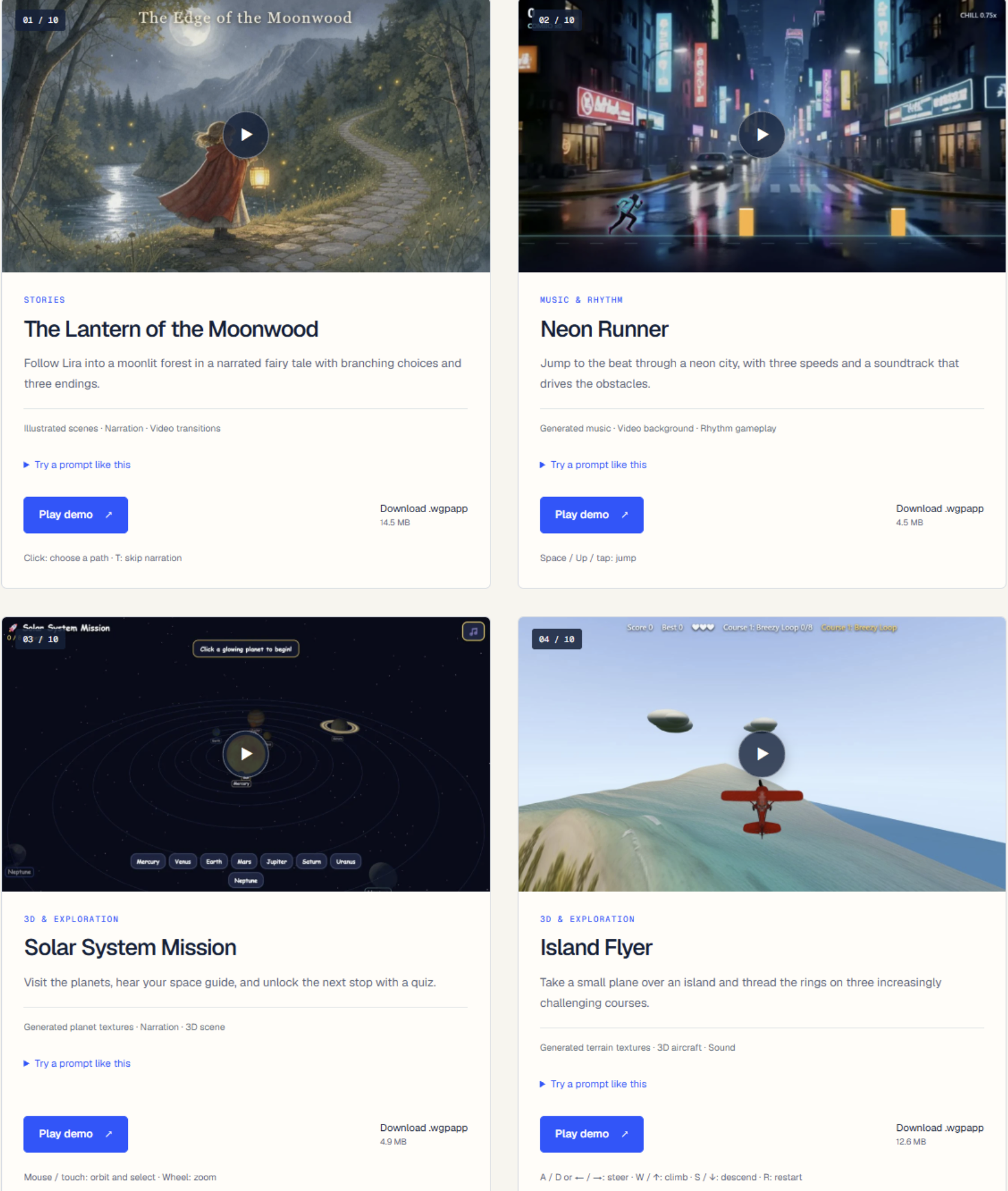
Create games with wan2gpWith Deepy Prime, you can now create games in Wan2GP. Start with an idea and build upon it with Deepy. From the Announcements: Deepy Prime Can Now Build Apps: turn an idea into a game, an interactive story, a music toy or an explorable 3D scene, with images, video, sound and 3D assets made by WanGP's generative models. Play in the chat, keep your creations in the new Apps gallery, save progress and share them as .wgpapp files. Deepy can keep improving an app in later conversations, including one someone else shared with you. This development preview is off by default: under Configuration → Prompt Enhancer / Deepy → Python, enable Python Sandbox and set App Development (Advanced) to Web Apps, then save. See the [Apps guide](docs/APPS.md). You can explore some of the mini games made by Deepy on this page: https://wangp.ai/deepy/apps/ In order to use Deepy Prime you have to select Deepy Prime in Configuration - Prompt Enhancer / Deepy. Important Note: There was a bug in the Prompt Enhancer and Deepy Prime I fixed today. Both launcher apply this fix. So, no matter which launcher you use, make sure to update wan2gp to get the fix and the new function.


FooocusPlusFeatured
An enhanced version of Fooocus giving you access to all of the latest AI image generation models
 @morpheus
 5 check-ins

Drama 3 Offload StudioFeatured
Fish Audio Drama 3 (expressive TTS, voice cloning, voice design, directing notes) from the fishaudio/Drama-3 Space. Models: the full model for 24+ GB NVIDIA GPUs, the Small GGUF (drama3-small, Japanese and English) for 16 GB, and MLX 4-bit / 3-bit conversions of the full model for Apple Silicon (64 / 48 GB, untested on a Mac).
 @thomas_eric
 6 check-ins
YUE2 // GROOVEFeatured
YUE2 // GROOVE is the latest music studio built on the open-source Yue2 model and its inference stack. Generate high-quality full songs from style and lyrics with an editable score plan — powered by the latest YuE model — cover from audio with SheetSage2 and MERT2, refine and compare edits, and keep your works in a reusable, easy-to-manage library. You get high-quality creation with real creative control. Hardware: an NVIDIA GPU with 24 GB VRAM on Linux (YuE2's recommended setup, validated end-to-end on NVIDIA L4 hosts; a 16 GB memory budget runs everything the app can produce, and 12 GB runs the unquantized model at CFG 1.0 or for shorter songs) or an Apple Silicon Mac with 32 GB+ unified memory (where this app is developed and tested). Windows is best effort: install, launch, Cover and a full-length song verified on Windows 11 (RTX 2070, 8 GB); song generation there runs through the GGUF engine. Cards under 16 GB (and Windows) get the optional GGUF engine: the same model through yue2.cpp with an 8-bit backbone, 8.2 GB peak for a full song, measured indistinguishable from the reference rendering in a blind ABX, a different take for the same seed; the reference PyTorch configuration stays the default wherever it fits.
 @bearbone
 11 check-ins

SeedVR2-7B MLXFeatured
One-step SeedVR2-7B diffusion super-resolution upscaler, running natively on Apple Silicon via MLX. Choose between fp16 / int8 / sharp model variants, tune scale, softness, and seed, and compare before/after with a slider.
 @rdx_ai5 check-ins
PulseForgeFeatured
A fully local, cross-platform audio visualizer editor. Create reactive music videos with layered graphics, AI-transcribed lyrics, and frame-perfect MP4 exports — all running in your browser
 @theawakenone
 5 check-ins

theDAWFeatured
Full-featured DAW, DJ, and VJ app interoperable w/Ableton, Reaper, Resolume & more. Stable Audio 3, Magenta RT2, Lyria 3 Pro, Suno API, Chimera track fusion, Demucs stems, MIDI generate/notate, rule-based composer (harmony, counterpoint, fugue), orchestra sound bank w/concert-hall reverb, VST3 instruments, MPE, native Audima Labs Sway support, img > spectrogram > music, drawing > music, VST3 & .gan plugins, automix & key-lock, GLSL shaders, volumetric video, Quest 3 XR interface, MIDI auto-map, RAG assistant, asset library with example projects
 @gantasmo
 9 check-ins





MiniJamFeatured
Describe any song in plain English, compose a structured caption and lyrics locally, and generate it with MiniMax Music 3.
@cocktailpeanut1 check-in
MiniMax H3 ComfyUIFeatured
MiniMax H3 omni-modal video generation in ComfyUI. Text/image/video/audio in, video with native 32kHz stereo audio out (768p default, 1080p+ supported). Disk-optimized: pruned INT8 + NVFP4 weights (~63GB instead of ~290GB). NVIDIA only.
@thomas_eric

 60 check-ins
SongGeneration StudioFeatured
AI Song Generation with Full Style Control - Generate complete songs with lyrics, vocals, and instrumental tracks using Tencent AI Lab's SongGeneration (LeVo) model. [NVIDIA ONLY]
@morpheus
 23 check-ins



AgentsViewFeatured
Browse, search, and analyze sessions from Claude Code, Codex, and other coding agents locally.
@cocktailpeanut5 check-ins
GeoLibreFeatured
A free, open-source GIS for visualizing, exploring, and analyzing geospatial data locally in your browser.
@cocktailpeanut4 check-ins
Uncensored Local StudioFeatured
Run image generation, GGUF language models, Whisper speech recognition, and Kokoro speech synthesis locally from one offline studio.
@cocktailpeanut

 35 check-ins

MuScriptorFeatured
Local multi-instrument audio-to-MIDI transcription from Kyutai and Mirelo.
@cocktailpeanut

 27 check-ins






StableDAWFeatured
Browser-based AI audio DAW for Stable Audio 3 with text-to-audio, inpainting, LoRA training, FFmpeg effects, waveform editing, sequencer, piano roll, and persistent library. https://github.com/gantasmo/stabledaw
@cocktailpeanut

 26 check-ins

Image to PromptFeatured
Generate editable Ideogram JSON prompts from uploaded images.
@cocktailpeanut
 10 check-ins
IdeopromptFeatured
Describe an image, get a 100% schema-valid Ideogram 4 JSON prompt — generated fully locally with an embedded llama.cpp (no Ollama or LM Studio required).