Apps
Announcements





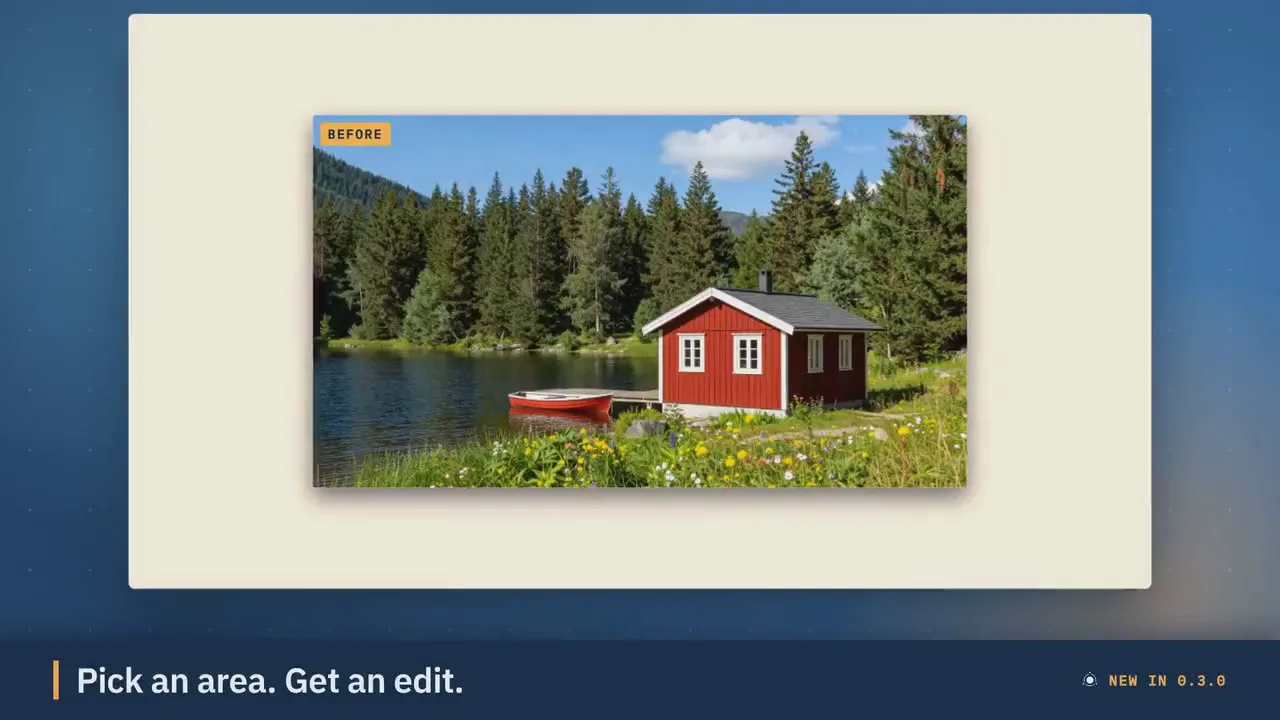
PotionUI 0.3.0: the editors release with layers, region edits, one-click Upscale, Fix faces and Expand, and a video editor that saves your workPotionUI 0.3.0 is out, the editors release. Click Update in Pinokio to get it. This release is about editing what you made without leaving PotionUI. The Image editor saves your work and gets region edits, one-click tools and layers, the Video editor follows the same layout, and History shows what is running as it happens. What's new Saved edits: every Image and Video editor tab autosaves on the server. Open a new tab to pick up from your recent edits, and a picture saved from the editor keeps its steps, so Edit reopens it as you left it. Edit a region: mark an area with a brush or the new lasso, write what should go there, and any preset edits only that part. The result is blended back into the picture. Remove an object and Replace the background: one click, nothing to type. Expand: put a picture on a larger canvas in several formats at once, with social and banner sizes, your own size and a draggable position. Layers and paint: Layers and Edits are two panels, every paint layer is its own row with opacity, rename, reorder, Duplicate and Merge down, add a paint or picture layer any time, and one undo covers everything. Upscale by a factor or a size, and Fix faces and hands: tick the faces it found, add your own marks and set the strength. Video editor: the same rail, panels and options as the Image editor, clips saved as edits, and extend, upscale, restore, refine faces, colorize, day to night and remove object on the whole clip or a time range you mark. History shows running generations live: open one in Generation Details to watch it take shape, with its origin badge, and filter History by where a generation started. LTX-2.5 gets Text to Video, Image to Video and First to Last Frame. Kits: kit cards show every picture whole at its own aspect, and a new manage_kits tool lets MCP and chat create and fill kits. Nicer to use A menu bar, a floating action bar on the canvas, tool options as proper form fields, and Formulas and Settings in the dock. Choose which setup each editor task uses, and set your own default. A generated step whose picture changed underneath is marked so you can regenerate it. Kits, Library, History, Inspirations, Models, Prompts, Phrasebook and Auto-organize share one header with searchable filters. Reuse settings opens the Generate tab from History, prompts, model pages and the grid viewer. MiniMax-Music3 is faster, and lyrics are optional in Instrumental mode. Admin Activity shows the media tools queue. Community contributions Big thanks to M4-S4 for these fixes: On Windows, saving a downloaded model file retries when another program briefly holds it MiniMax-H3 crops reference pictures, clips and start pictures to fit instead of squeezing them Google Gemini shows the Veo 3.1 shutdown date, and its notes say what still works The Library records whether a video has sound, so tools that need sound are greyed out on a silent clip Replacing a Library item with a result in another format keeps the right file extension An updated plugin runs every module of its new version without a restart A plugin installed from another catalog shows that catalog's address Setup checks work for Video Director presets that have no text to video Fixed A paint stroke drawn right after adding a layer is no longer lost. The RunPod provider works with RunPod's new API. On Windows, web assets are served correctly even when the system maps them wrongly. A full-size Qwen-Image 2.1 edit no longer collides with models already in memory. Before you update Back up your data first. The first start moves your existing editor sessions and your default task setups to the new editor, and cannot be undone. Paint saved by an earlier version opens as a single layer. Windows is fully supported. Update Click Update in Pinokio, start PotionUI, then open the Image editor and try Expand on a picture. Full release notes: https://github.com/PotionUI/PotionUI/blob/master/CHANGELOG.md Website: https://potionui.com Discord: https://discord.gg/avR4trp3b8 Reddit: https://www.reddit.com/r/PotionUI/




HaruFeatured
Haru-4B voice conversations in your browser. Apple silicon Mac or NVIDIA CUDA on Windows/Linux. See README for GPU and system memory requirements.
 @cocktailpeanut

 2 check-ins
ZONOS3-MiniFeatured
Local multilingual speech generation, voice cloning, and voice steering with Zonos Voice Studio. https://github.com/Zyphra/ZONOS3-Mini
@cocktailpeanut 1 check-in

PotionUIFeatured
PotionUI: self-hosted AI image and video generation with a preset-driven interface, a native diffusers engine and ComfyUI support. Requires Windows or Linux with an NVIDIA GPU (driver 580 or newer, 8 GB VRAM and 16 GB RAM minimum). Other machines get a remote-only install.


FooocusPlusFeatured
An enhanced version of Fooocus giving you access to all of the latest AI image generation models
@morpheus 9 check-ins

Drama 3 Offload StudioFeatured
Fish Audio Drama 3 (expressive TTS, voice cloning, voice design, directing notes) from the fishaudio/Drama-3 Space. Models: the full model for 24+ GB NVIDIA GPUs, the Small GGUF (drama3-small, Japanese and English) for 16 GB, and MLX 4-bit / 3-bit conversions of the full model for Apple Silicon (64 / 48 GB, untested on a Mac).
@thomas_eric
 10 check-ins
YUE2 // GROOVEFeatured
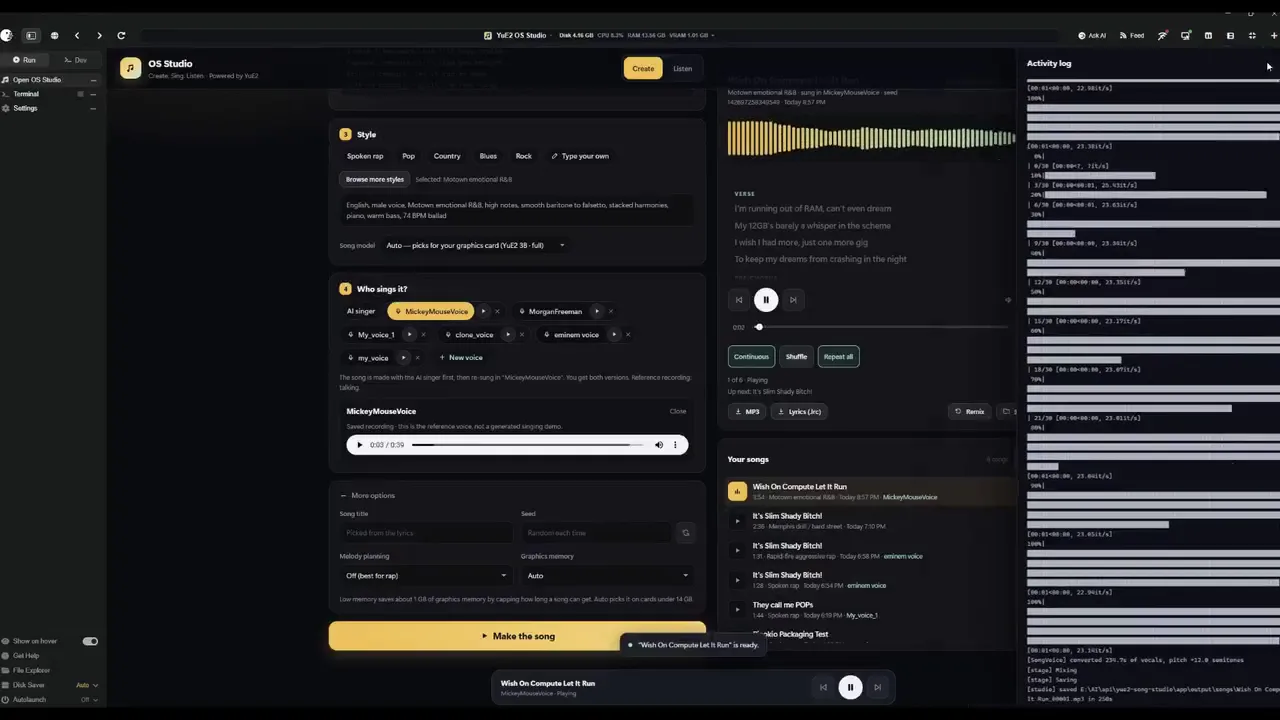
YUE2 // GROOVE is the latest music studio built on the open-source Yue2 model and its inference stack. Generate high-quality full songs from style and lyrics with an editable score plan — powered by the latest YuE model — cover from audio with SheetSage2 and MERT2, refine and compare edits, and keep your works in a reusable, easy-to-manage library. You get high-quality creation with real creative control. Hardware: an NVIDIA GPU with 24 GB VRAM on Linux (YuE2's recommended setup, validated end-to-end on NVIDIA L4 hosts; a 16 GB memory budget runs everything the app can produce, and 12 GB runs the unquantized model at CFG 1.0 or for shorter songs) or an Apple Silicon Mac with 32 GB+ unified memory (where this app is developed and tested). Windows is best effort: install, launch, Cover and a full-length song verified on Windows 11 (RTX 2070, 8 GB); song generation there runs through the GGUF engine. Cards under 16 GB (and Windows) get the optional GGUF engine: the same model through yue2.cpp with an 8-bit backbone, 8.2 GB peak for a full song, measured indistinguishable from the reference rendering in a blind ABX, a different take for the same seed; the reference PyTorch configuration stays the default wherever it fits.
 @bearbone
 15 check-ins

SeedVR2-7B MLXFeatured
One-step SeedVR2-7B diffusion super-resolution upscaler, running natively on Apple Silicon via MLX. Choose between fp16 / int8 / sharp model variants, tune scale, softness, and seed, and compare before/after with a slider.
 @rdx_ai5 check-ins
PulseForgeFeatured
A fully local, cross-platform audio visualizer editor. Create reactive music videos with layered graphics, AI-transcribed lyrics, and frame-perfect MP4 exports — all running in your browser
 @theawakenone
 5 check-ins

theDAWFeatured
Full-featured DAW, DJ, and VJ app interoperable w/Ableton, Reaper, Resolume & more. Stable Audio 3, Magenta RT2, Lyria 3 Pro, Suno API, Chimera track fusion, Demucs stems, MIDI generate/notate, rule-based composer (harmony, counterpoint, fugue), orchestra sound bank w/concert-hall reverb, VST3 instruments, MPE, native Audima Labs Sway support, img > spectrogram > music, drawing > music, VST3 & .gan plugins, automix & key-lock, GLSL shaders, volumetric video, Quest 3 XR interface, MIDI auto-map, RAG assistant, asset library with example projects
 @gantasmo
 11 check-ins






MiniJamFeatured
Describe any song in plain English, compose a structured caption and lyrics locally, and generate it with MiniMax Music 3.
@cocktailpeanut1 check-in
MiniMax H3 ComfyUIFeatured
MiniMax H3 omni-modal video generation in ComfyUI. Text/image/video/audio in, video with native 32kHz stereo audio out (768p default, 1080p+ supported). Disk-optimized: pruned INT8 + NVFP4 weights (~63GB instead of ~290GB). NVIDIA only.
@thomas_eric

 64 check-ins

SongGeneration StudioFeatured
AI Song Generation with Full Style Control - Generate complete songs with lyrics, vocals, and instrumental tracks using Tencent AI Lab's SongGeneration (LeVo) model. [NVIDIA ONLY]
@morpheus
 25 check-ins



AgentsViewFeatured
Browse, search, and analyze sessions from Claude Code, Codex, and other coding agents locally.
@cocktailpeanut6 check-ins
GeoLibreFeatured
A free, open-source GIS for visualizing, exploring, and analyzing geospatial data locally in your browser.
@cocktailpeanut4 check-ins
Uncensored Local StudioFeatured
Run image generation, GGUF language models, Whisper speech recognition, and Kokoro speech synthesis locally from one offline studio.
@cocktailpeanut

 36 check-ins

MuScriptorFeatured
Local multi-instrument audio-to-MIDI transcription from Kyutai and Mirelo.
@cocktailpeanut
 28 check-ins