Pinokio
FeedAppsRemoteCreate
Download Pinokio
Sign inCreate accountJoin

Apps

Announcements

View all

Official updates.

Pinned announcement from Pinokio
pinokio
@cocktailpeanut•1d ago
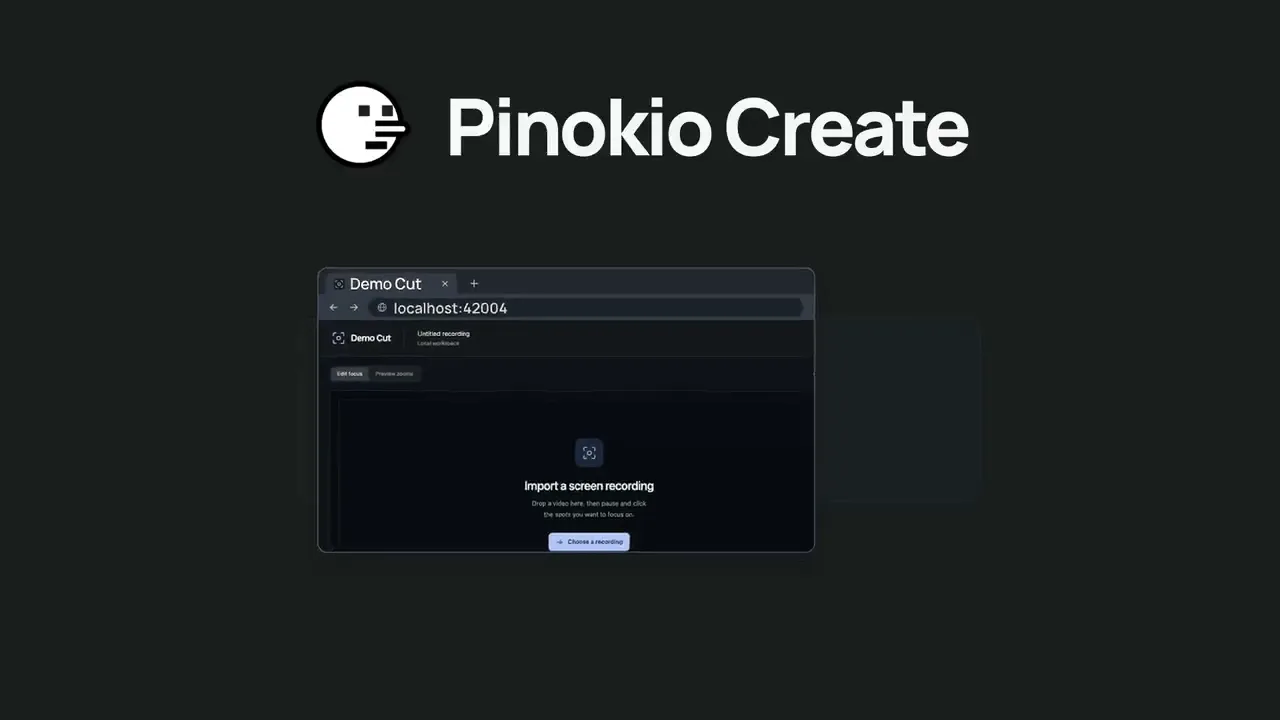
Pinokio Create: Turn Anything into a 1-Click Launcher, Automatically.Pinokio now talks to your AI agent to package anything into a 1-click launcher, publish to github, and list on pinokio, automatically. Just click the "Create" button at the top, select a template, enter what you want, and open in pinokio. Pinokio will hand off all the instructions needed to your own AI agent, and your agent will take it from there, taking care of everything automatically: Build a new app: Build a new app with 1-click launcher built-in, publish to github, and list to pinokio Publish your own app: Take your existing project, package it as a 1-click launcher, publish to github, and list to pinokio 1-Click Launcher for any existing project you want to try: Take any existing project you want to try out, package it as a 1-click launcher, publish to github and list on pinokio, all automatically.
Phosphene
@bizarro•21h ago
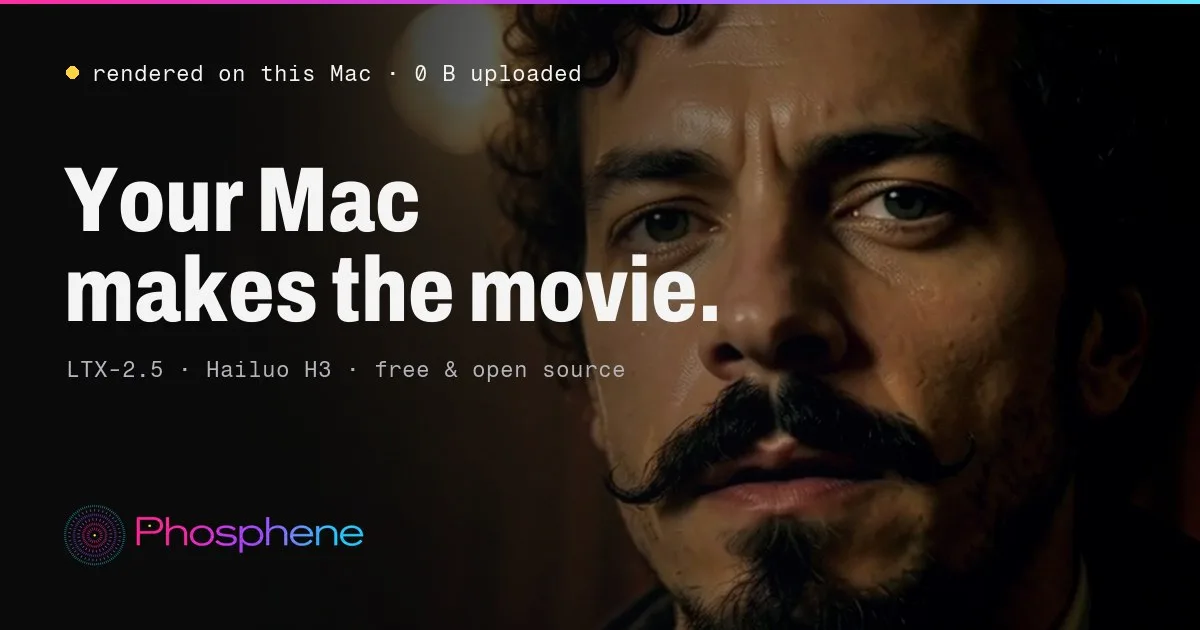
Phosphene 5.0.24 - now in ten languagesPhosphene 5.0.24 is out. The Studio now speaks your language. Everything here is free for everyone. https://phosphene.video/ Ten languages: English, Spanish, German, French, Italian, Portuguese, Russian, Japanese, Korean and Chinese (Simplified). Phosphene follows your Mac's language by itself; to pick another, open Settings and choose Language. Counts and times read naturally in every language, and labels that were written in pieces now read as whole sentences. The Pro window says what Pro does on this Mac, shows both plans with their prices, the 14-day refund and how your key arrives. Mac app 5.0.24: the app's own screens come in the same ten languages. The Studio in Spanish. Press Update, then restart Phosphene. The Studio picks your Mac's language on the next start. Release notes: https://github.com/mrbizarro/Phosphene/releases/tag/v5.0.24
Mumblebox 3D Asset Foundry
@mumblebox•1d ago
Foundry Preview 31 — Orbit with Splats and nine languagesMake 3D gaming assets on your GPU, from quick blockouts to finished textured models for Blender. Preview 31 is up, and this time the mushroom gets to do two jobs. Orbit with Splats Start with an image, make an orbit video, and use it to build a textured mesh and a matching Gaussian splat. The splat can capture the fine color and surface detail you see in the orbit. The mesh gives you geometry you can edit in Blender or use as the basis for collision. You can preview both and export them together as a GLB and PLY in one package. I had a last-minute change of heart about making people install Brush separately. Now Foundry downloads and verifies Arthur Brussee’s Brush the first time you train a splat. I tested first-use setup in the wizard and through MCP Rocket Mode. Both finished training and exported the pair. Nine languages, loaded as you need them Foundry now supports English, Simplified Chinese, Latin American Spanish, French, Brazilian Portuguese, German, Japanese, Korean, and Hindi. English stays loaded. Pick another language and Foundry loads just that translation. Switch again and it releases the previous one. You can run the wizards yourself, or connect Codex, Claude Code, or another MCP-enabled coding agent. The idea is to let your GPU make the first pass while your agent keeps working, then bring the asset into Blender for the work that needs it. That can save time and tokens whether you need a stand-in for a scene or a finished prop. I’m still tuning the recipes and defaults. If you get a good result or find a setting that makes a difference, I’d love to see the asset and hear what you used. Thanks to everyone who’s been trying Foundry, sharing logs, and helping me figure out what to fix next. Get Foundry on Pinokio · Preview 31 on GitHub Thanks for trying Foundry! 谢谢你来试试 Foundry! ¡Gracias por probar Foundry! Merci d’avoir essayé Foundry ! Valeu por testar o Foundry! Danke, dass du Foundry ausprobierst! Foundryを試してくれてありがとう! Foundry를 써 주셔서 고마워요! Foundry आज़माने के लिए शुक्रिया!
MiniMax H3 Studio
@mvrdvk•2d ago
How to try it: Open Motion → Face Swap, add a source clip and a portrait of the replacement face, then describe exactly which person to swap. Preview a short shot first and check that the face follows the original head movement and expressions.
Haru
@cocktailpeanut•2d ago
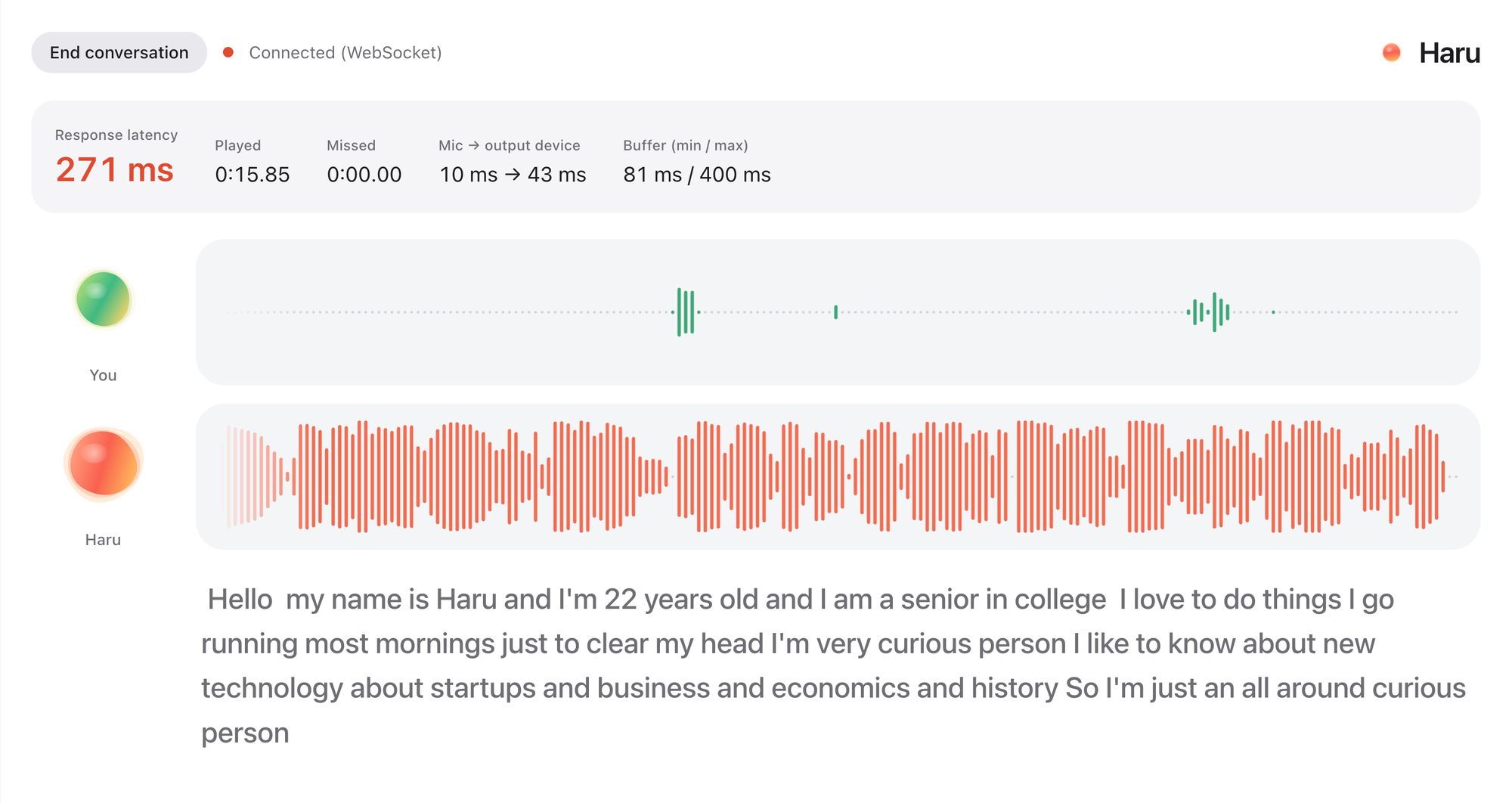
Haru: HER is here. Realtime voice chat with an AI friendRemember the movie HER? You talk to an AI like talking to a friend. It's not an assistant. It's your friend. You can just chat about anything, you can even interrupt while they're talking. Well, now you can actually experience the same thing with Haru. It's fully open source and open weight. It's completely free to use forever. More on X: https://x.com/cocktailpeanut/status/2121287442086994133 And here's what the UI looks like. When you start the chat (which can continue up to 60 minutes) and turn on the microphone, haru introduces himself/herself and you just start chatting. You can even interrupt while haru is speaking, just like chatting with a human. It is not perfect and has some quirks, but definitely worth trying out, really fascinating. System Requirements I've tested on NVIDIA GPU and Mac. Based on my experience you need: At least 12GB VRAM (but 16GB VRAM if you want actual smooth experience) NVIDIA GPU or a 12GB RAM Mac Supported Languages English Spanish Portuguese German French Chinese Japanese Russian Korean Examples Check out some examples: https://x.com/vinami/status/2121049617383231604?a=f1l6aAn7At7YIwYGWao&s=20 https://x.com/HigurashiAI/status/2121043937762889832?a=LxX12XkRp1HaexjZ_8Q&s=20
PotionUI
@oroborus•2d ago
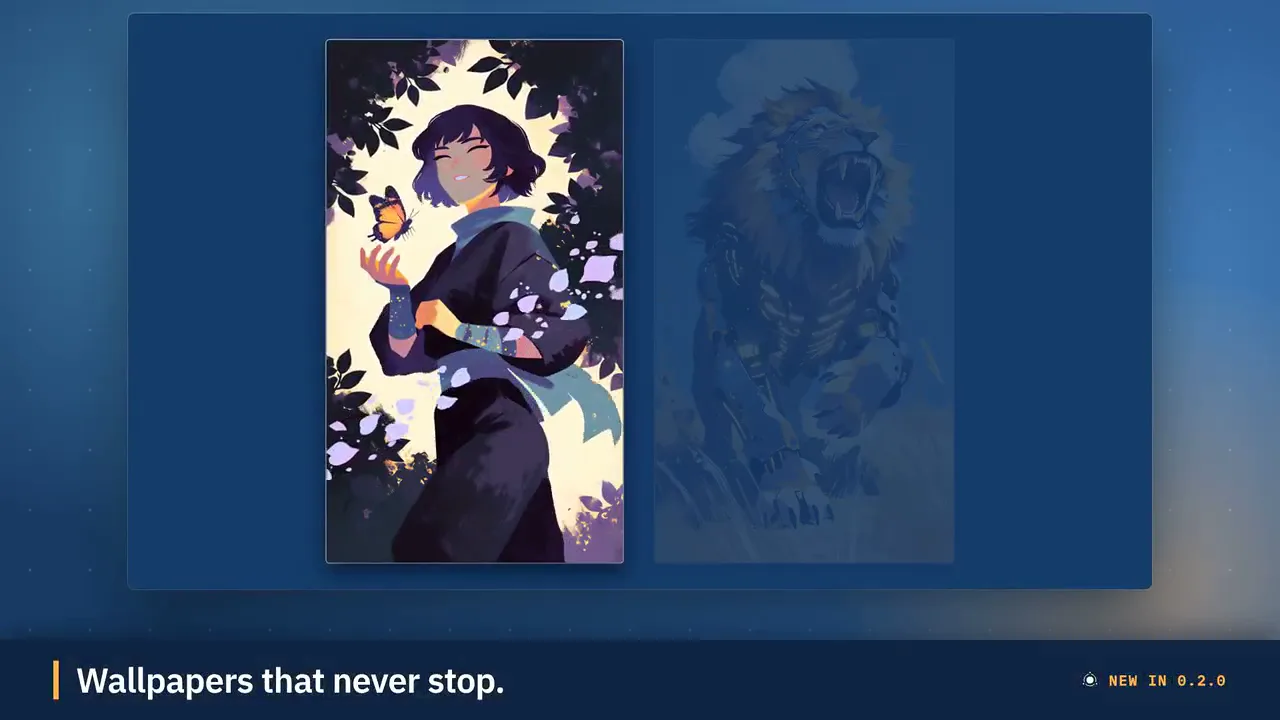
PotionUI 0.2.0: Kits, API keys, Perfect loop videos and a rebuilt details viewPotionUI 0.2.0 is out. Click Update in Pinokio to get it. The Update button now updates the launcher itself too. This release is about reusing what you already have and building on top of PotionUI. Kits keep sets of pictures, clips, audio and text together so you can drop them into any prompt (in other apps this is also called "Actors" or "Cast", but I didn't want to limit it to video only), and API keys let scripts and tools use your instance with exactly the access you choose. What's new Kits: make a named set of pictures, clips, audio and text in the Library and cite one item in a prompt as @kits.name.item. Only the items you cite go to the model. Add items straight from History. One media picker: History, Library and Kits are tabs of the same picker everywhere, with Small, Medium and Large tiles and a Replace menu on any loaded item. Video modes, simplified: MiniMax-H3 Video is now Video Director, with Text to Video, Image to Video and First to Last Frame as single-clip modes. Old sessions still open. Perfect loop for MiniMax-H3: give it a picture and what should move, get back a clip whose end flows into its start. LTX-2.5 Ingredients: characters and props from your pictures stay consistent in a new video. MOSS-Image regional prompting: draw regions on a canvas and describe each one. MiniMax-H3-Image is a new model family, with text to image and edit presets that take LoRAs. API keys: create keys with their own permissions, choose which MCP tools each can use, and generate from a saved session with a script. There is a new API guide with examples. Preset mirrors: admins can rename a preset and make copies that reuse its files with their own name, cover, defaults and modes, plus fixed prompt text that regular users never see. Plugin catalogs: install plugins from a catalog right in Admin. Queue routing: jobs spread across the backends of an engine, and a busy or silent worker no longer fails them. Nicer to use A rebuilt generation details view: parameters in boxes you copy with a click, section counts, and Library items open in the same view with previous and next. Prompt references show as readable thumbnail chips. A button on the resolution picker swaps to the mirrored size. Quick delete: press Delete on the current generation, or delete a whole collection's entries. Tags on models in Admin. A six-step setup wizard that no longer fails because a test generation did, and picks up again after a restart. Community contributions Big thanks to M4-S4 for a large share of this release: Install plugins from a catalog in Admin, and a plugin can no longer end up enabled after a failed install Face detection, face vectors and image embeddings for plugins, plus more plugin page and preset tools, and test databases for plugin authors RTX Upscale can raise a video's frame rate (2x, 4x or a target rate), and RIFE accepts a target frame rate Wan video decoding fits in less memory, and Wan 2.2 5B gets image to video MiniMax-H3-Image edits work on cards with less memory, such as 12 GB The default 1080p SeedVR2 video upscale fits a 12 GB card Effects work again with ffmpeg 8 The Plugins docs now point to community catalogs Fixed The first generation after a start no longer fails on a half-loaded module. Wan 2.2 image to video, and long Wan clips, fit in memory where they ran out. Security: setting up the first account behind a proxy now needs the setup token, users can no longer switch their own MCP access back on, and hidden fixed prompt text can no longer leak. Before you update Back up your data first. The first start migrates your database and that cannot be undone. Your MCP tokens become API keys that work for MCP only, so create a new key if a script needs the HTTP API. A saved session on the retired Long video mode opens with an offer to convert it to Video Director. You may see harmless "plugin not found" lines for two plugins that no longer exist at startup. The old MCP token routes and the token in a socket URL still work this release but are deprecated, so move your scripts over. Windows is fully supported. Update Click Update in Pinokio, start PotionUI and let it finish its first-start migration. Then open Settings and look at API keys. Full release notes: https://github.com/PotionUI/PotionUI/blob/master/CHANGELOG.md Website: https://potionui.com Discord: https://discord.gg/avR4trp3b8
FeaturedPopularNewUpdated
This week
This weekThis monthAll time
Runs on:Any
System
AnymacOSWindowsLinux
GPU
AnyNVIDIAAMDApple
Show:Launchers
LaunchersPluginsAll projects
#tts64#image-generation50#video-generation42#music35#utility35#video28#próba27#3d26
Music Video Cutter
Automatically create music videos. Synchronize the cuts to the music's beat.
6Morpheus6/mvcv3.7updated 11mo ago
@morpheus2 check-insNVIDIAAMDApple
Open Notebook
Run Open Notebook locally via Docker with one-click install, start, and shutdown.
DSRPT/Open-NotebookLM-Pinokio-DSRPTv5.0updated 8mo ago
@dsrpt2 check-insNVIDIAAMDApple
SongGen-Mac
AI Song Generation on Mac Apple Silicon, with Full Style Control - Generate complete songs with lyrics, vocals, and instrumental tracks using Tencent AI Lab's SongGeneration (LeVo) model.
Rdx-ai-art/SongGen-Macv3.7updated 1mo ago
@rdx_ai2 check-insNVIDIAAMDApple
GLM-Image
Image generation using zai-org/GLM-Image with Gradio UI. Supports text-to-image and image-to-image generation.
shinshekai/GLM-Imagev5.0updated 9mo ago
2 check-insNVIDIAAMDApple
Bark Voice Cloning
Upload a clean 20 seconds WAV file of the vocal persona you want to mimic, type your text-to-speech prompt and hit submit! A local version of https://huggingface.co/spaces/fffiloni/instant-TTS-Bark-cloning
6Morpheus6/barkv3.7updated 11mo ago
@morpheus2 check-insNVIDIAAMDApple
AudioSepFeatured
Separate Anything You Describe (https://huggingface.co/spaces/Audio-AGI/AudioSep)
cocktailpeanut/AudioSep.pinokiov2.0updated 1y ago
#audio#audio-edit
@cocktailpeanut2 check-insNVIDIAAMDApple
PRX-1024 Text-to-Image
Gradio web interface for Photoroom's PRX-1024-t2i-beta text-to-image model
PierrunoYT/Photoroom-PRX-Pinokiov5.0updated 1mo ago
@pierrunoyt2 check-insNVIDIAAMDApple
Allegro-txt2vidFeatured
[NVIDIA ONLY] Generate videos with Allegro txt2vid model https://github.com/rhymes-ai/Allegro
pinokiofactory/Allegro-txt2vid-installv3.7updated 5mo ago
#video-generation
2 check-insNVIDIAAMDApple
stable-fast-3d
[NVIDIA ONLY] a state-of-the-art open-source model for fast feedforward 3D mesh reconstruction from a single image, from Stability AI. https://huggingface.co/spaces/stabilityai/stable-fast-3d
pinokiofactory/stable-fast-3dv2.0updated 2y ago
2 check-insNVIDIAAMDApple
Applio
A simple, high-quality voice conversion tool focused on ease of use and performance. https://github.com/IAHispano/Applio
MDShoons/RVC-V3-v2.0updated 1y ago
2 check-insNVIDIAAMDApple
SD-Next
SD.Next: All-in-one WebUI for AI generative image and video creation
SUP3RMASS1VE/SD-Nextv3.7updated 1y ago
@sup3rmass1ve2 check-insNVIDIAAMDApple
YuEFeatured
[NVIDIA ONLY] YuEGP--A Web UI for YuE, an Open Full-song Generation Foundation Model (10G VRAM required), via https://github.com/deepbeepmeep/YuEGP
pinokiofactory/yuev3.7updated 9mo ago
#song-generation
2 check-insNVIDIAAMDApple
MeloTTSFeatured
High-quality multi-lingual text-to-speech library by MyShell.ai. Support English, Spanish, French, Chinese, Japanese and Korean https://github.com/myshell-ai/MeloTTS
cocktailpeanutlabs/melottsv1.2updated 1y ago
#tts
2 check-insNVIDIAAMDApple
PhotoMaker2Featured
Customizing Realistic Human Photos via Stacked ID Embedding https://huggingface.co/spaces/TencentARC/PhotoMaker-V2
pinokiofactory/photomaker2v3.7updated 6mo ago
#image-generation
2 check-insNVIDIAAMDApple
ChatterBox
AI-Powered Text-to-Speech with Voice Cloning using Chatterbox TTS and Gradio interface. Includes Turbo, Multilingual (23+ languages), and Original models.
PierrunoYT/chatterbox-tts-appv3.7updated 5mo ago
@pierrunoyt2 check-insNVIDIAAMDApple
Video Dubbing Pipeline
🎬 Professional Video Dubbing Pipeline with Parakeet-TDT-0.6b-v2, Gemini AI, and Edge TTS. Complete solution for automated video dubbing with step-by-step processing and batch video creation from multiple audio files.
Paxurux/Videodubbing-with-geminiv3.7updated 7mo ago

2 check-insNVIDIAAMDApple
MagicAnimate MiniFeatured
[NVIDIA GPU Only] An optimized version of MagicAnimate https://github.com/sdbds/magic-animate-for-windows
cocktailpeanut/MagicAnimateMiniv3.0updated 1y ago
#video-generation
@cocktailpeanut2 check-insNVIDIAAMDApple
SmolLM3-3B Chatbot
Advanced 3B parameter language model with Gradio web interface, GPU acceleration, and complete privacy
PierrunoYT/SmolLM3-3B-Pinokiov5.0updated 1mo ago
@pierrunoyt2 check-insNVIDIAAMDApple
StyleTTS2 StudioFeatured
Build your own voice for StyleTTS2
pinokiofactory/StyleTTS2_Studiov3.7updated 3mo ago
#tts
2 check-insNVIDIAAMDApple
devika
Agentic AI Software Engineer https://github.com/stitionai/devika
cocktailpeanutlabs/devikav3.0updated 1y ago
2 check-insNVIDIAAMDApple
Previous
1...151617...79
NextPage 16 of 79

Get project updates

Pulse

View all

The latest posts from across Pinokio.

is it free?
@preneshkl · MiniMax H3 Studio
Checked in to Maestro.
@gjphilander · Community
Checked in to FaceFusion 3.9.2.
@alexvichko1997 · Community
browser-use: AssertionError: SRE module mismatch
@alaye771 · browser-use1
App: browser-use (browser-use.git) Repo: https://github.com/pinokiofactory/browser-use.git Generated:...
Как создать продающий сайт?
@vituny · Community

Radar

View all

Projects getting attention.

Followed·4 min
God's Eye View
A live 3D intelligence console for planet Earth.
Installable
Followed·13 min
Wan 2.1
[NVIDIA ONLY] Super Optimized Gradio UI for Wan2.1 video for GPU poor machines (5GB+ VRAM). Generate up to 12 sec videos https://github.com/deepbeepmeep/Wan2GP
Installable
Followed·23 min
Drama 3 Offload Studio
Fish Audio Drama 3 (expressive TTS, voice cloning, voice design, directing notes) from the fishaudio/Drama-3 Space. Models: the full model for 24+ GB NVIDIA GPUs, the Small GGUF (drama3-small, Japanese and English) for 16 GB, and MLX 4-bit / 3-bit conversions of the full model for Apple Silicon (64 / 48 GB, untested on a Mac).
Installable
Followed·25 min
Maestro
An all-in-one, 100% local AI creative studio, director, and multi-track editor. Generate with MiniMax H3, LTX-2.5/2.3, Wan, Flux, Qwen, and more; turn an idea or song into a planned production; then finish it on the timeline. Requires an NVIDIA GPU (6GB+ VRAM).
Installable
Followed·38 min
Phosphene
On your Mac, make AI video with sound. Free and open source. Run LTX-2.5, Hailuo H3 and H3 Flex locally on Apple Silicon: text or image to video, lip-sync, songs, images and character training. AI agents like Claude Code and Codex can drive it too. No cloud or API key.
Installable
Pinokio
PrivacyTerms
FeedAppsCreateRemote

Explore the community

#showcase
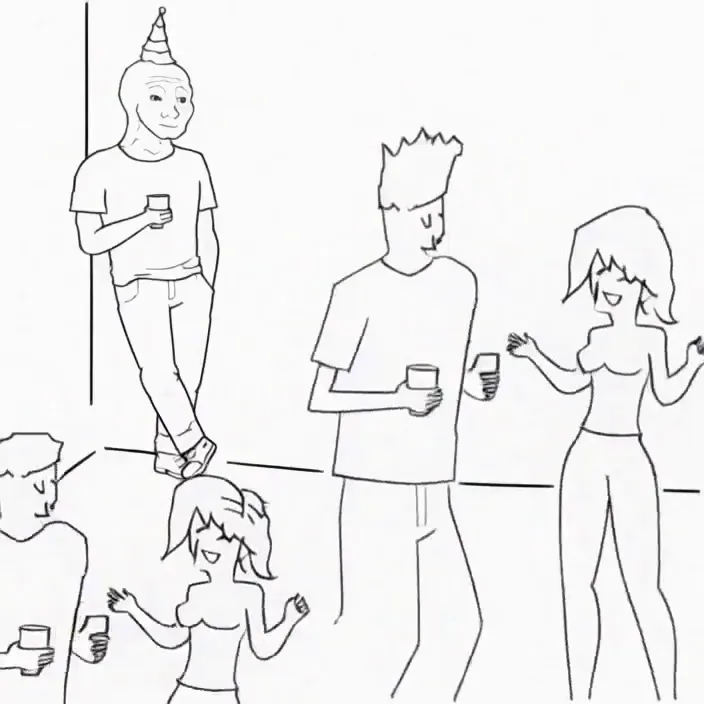
Minimax H3 Singularity 4 Step Generation Prompt: Use the provided image as the starting frame. Preserve the exact minimalist black-and-white Wojak meme drawing style, characters, and party setting. Static camera, no cuts, no zooms, no dialogue, no text. 0–3s: The man leans casually against the wall in the corner, legs crossed, one hand in his pocket, holding his drink. He has a faint, peaceful smile. Across the room, three extremely attractive adult women dancing at the party notice him. They exchange excited glances. 3–7s: The first woman confidently approaches him, flips her hair, gives h...
@cocktailpeanut·17d ago
#cool-project
Preview of my next project!
@theawakenone·3d ago
#guide
Pinokio Create: Turn Anything into a 1-Click Launcher, Automatically.
@cocktailpeanut·1d ago
#testers-wanted
For those of you brave enough to install... Thanks for trying it out. I am adding a bug report feature and fixing the workflows for objects/creatures/vehicles. I am also adding a coding agent driven headless Blender node. I will be looking to optimizes for low memory systems soon. There is alot to do on the Roadmap. Thanks for your interest.
@mumblebox·13d ago