This installer installs the latest Onetrainer version and can be updated to be able to train the latest image generation models available. From SD1.5 to Z-Image almost all image generation models are covered. It allows you to finetune models or train LORA's. Onetrainer comes with a nice User interface with presets for all Models and LORA's for different VRAM consumptions. No need to fiddle with all the settings. Just search for the preset you need, matching your VRAM and you are almost good to go. Even training Z-Image models with only 8GB VRAM is possible if you have enough RAM to compensate.
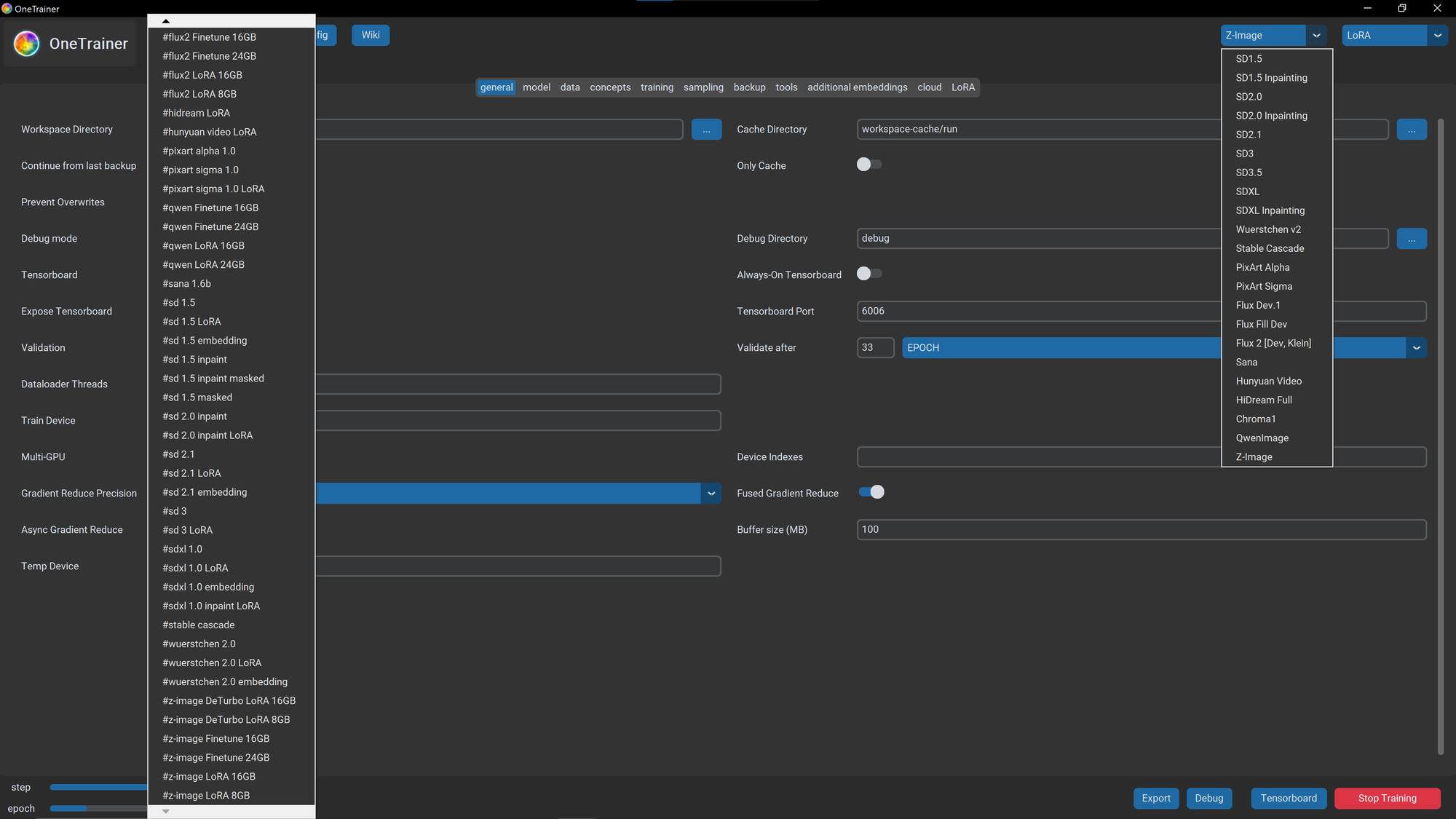
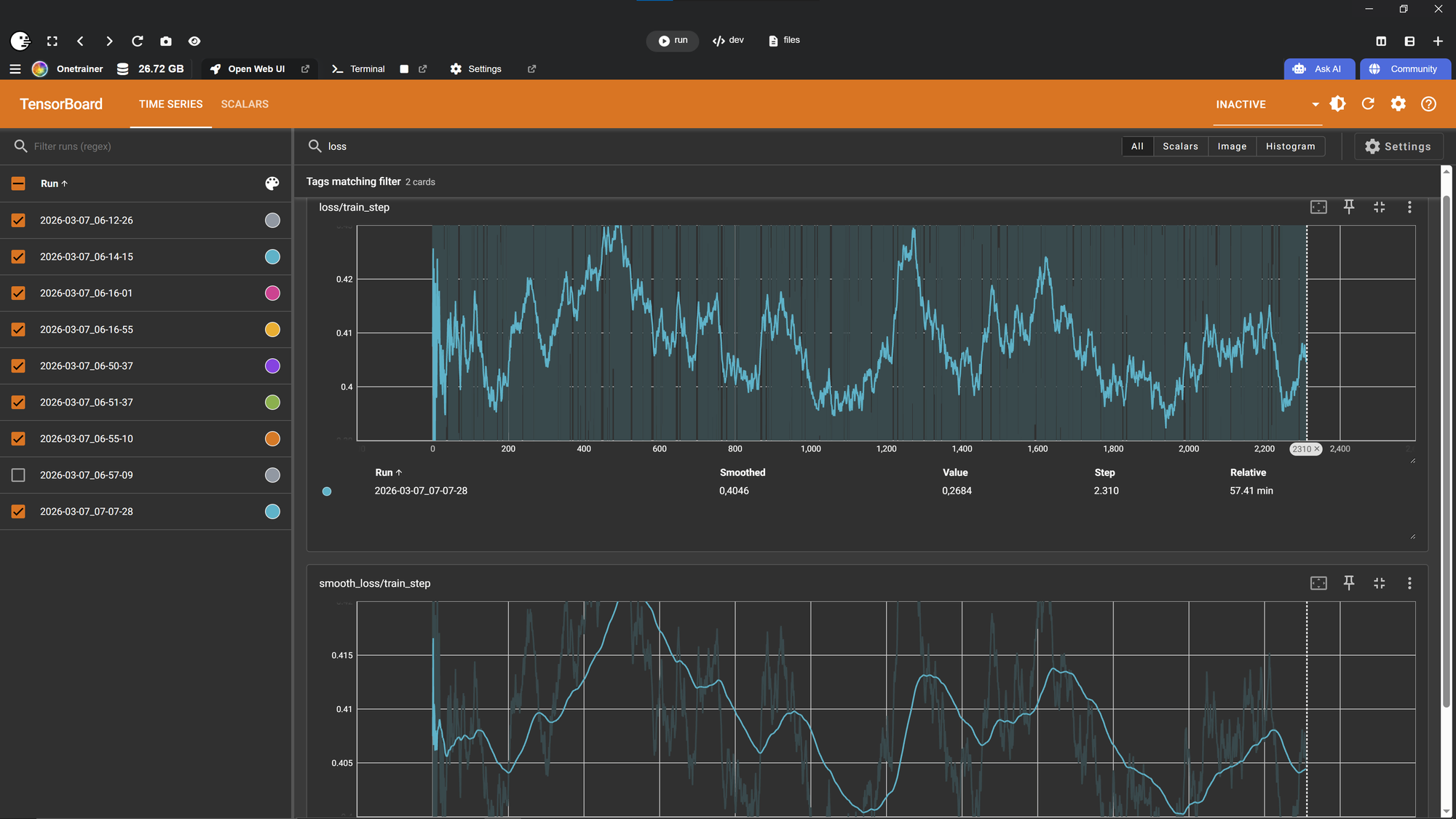
While the user interface starts on a separate window, Tensorboard automatically starts in Pinokio, letting you observe the training in real time, as well as reviewing previous trainings.
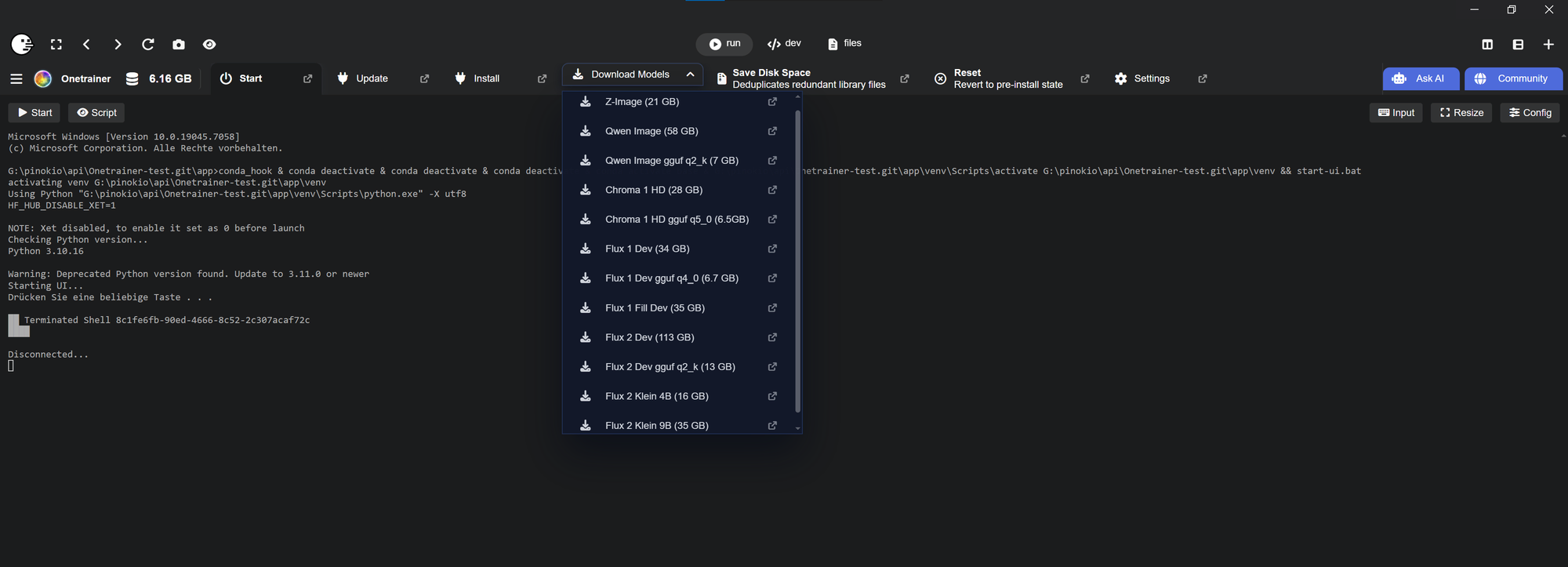
Flux, Chroma, Qwen and Z-Image can only be trained on the full diffusers pipeline. Therefore I added a Download Tab that let's you download these pipelines with one click.
The download Tab is only visible when Onetrainer is not running.
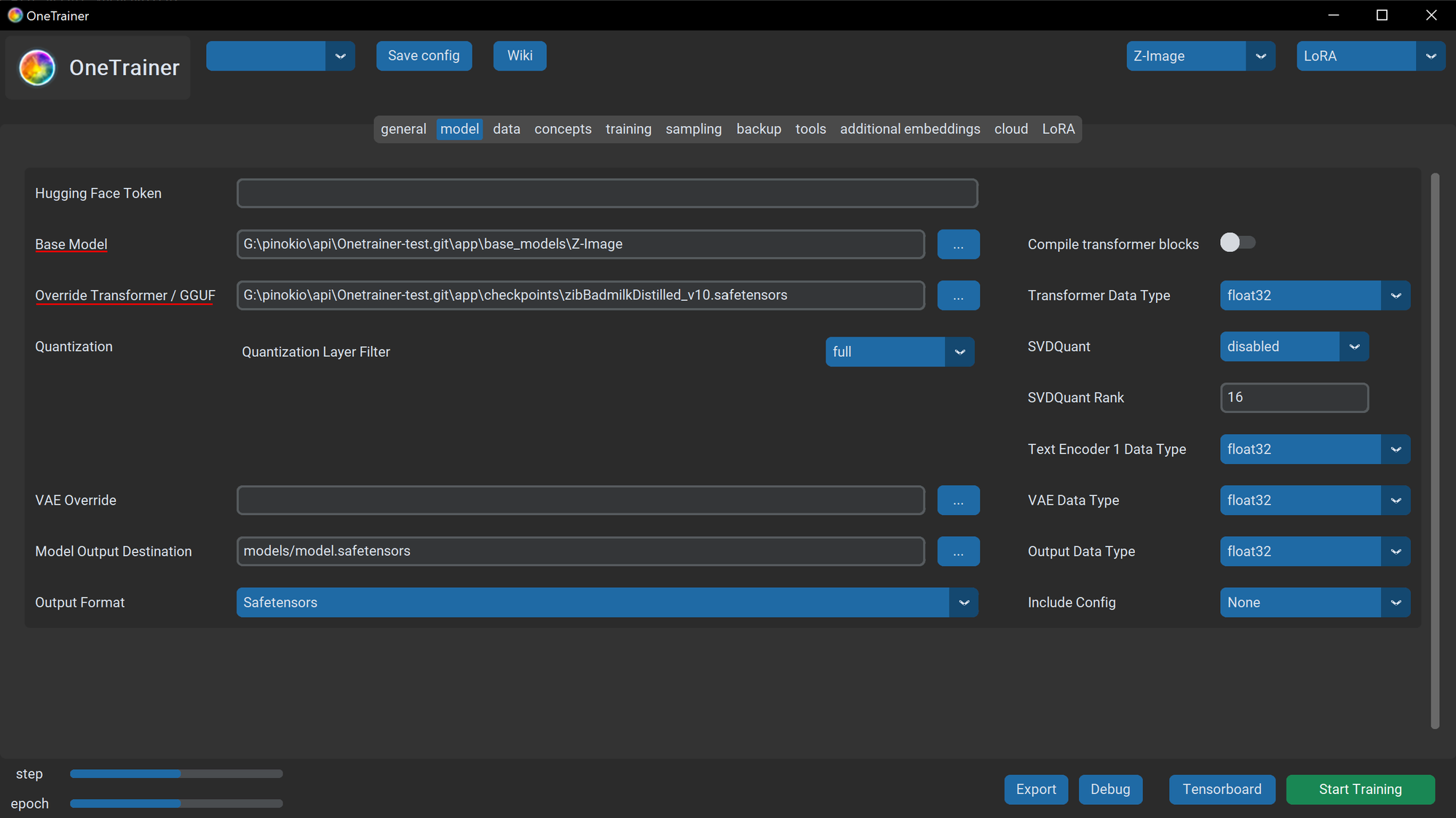
Onetrainer also provides a way to finetune or train Loras from finetuned models on Civitai for Flux, Chroma, Qwen and Z-Image. Therefore you need to load the diffusers pipeline and overwrite the transformer model. Basically you just have to set the path to both in the UI, the pipeline and the finetuned model you want to use. Same applies to GGUF models you want to use to save memory.
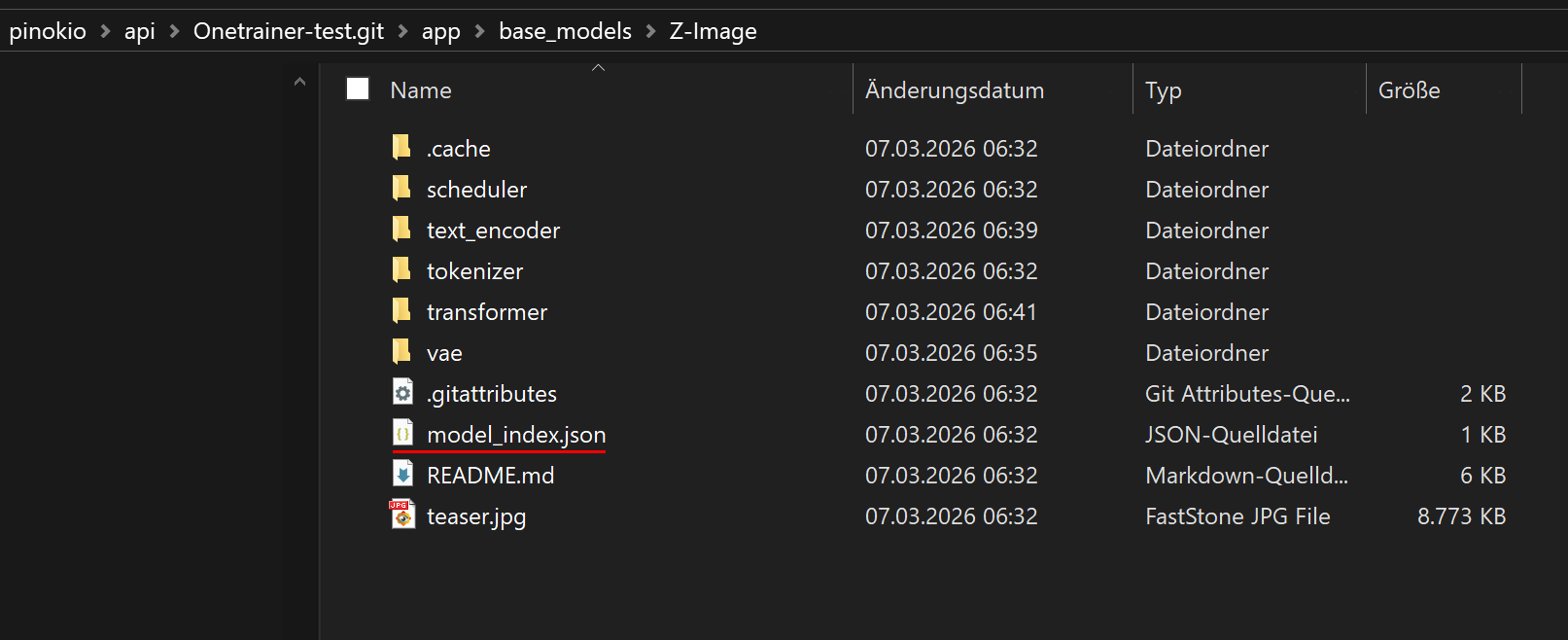
When selecting the Base Model (diffusers pipeline) make sure to click the model_index.json file, otherwise Onetrainer won't find it.
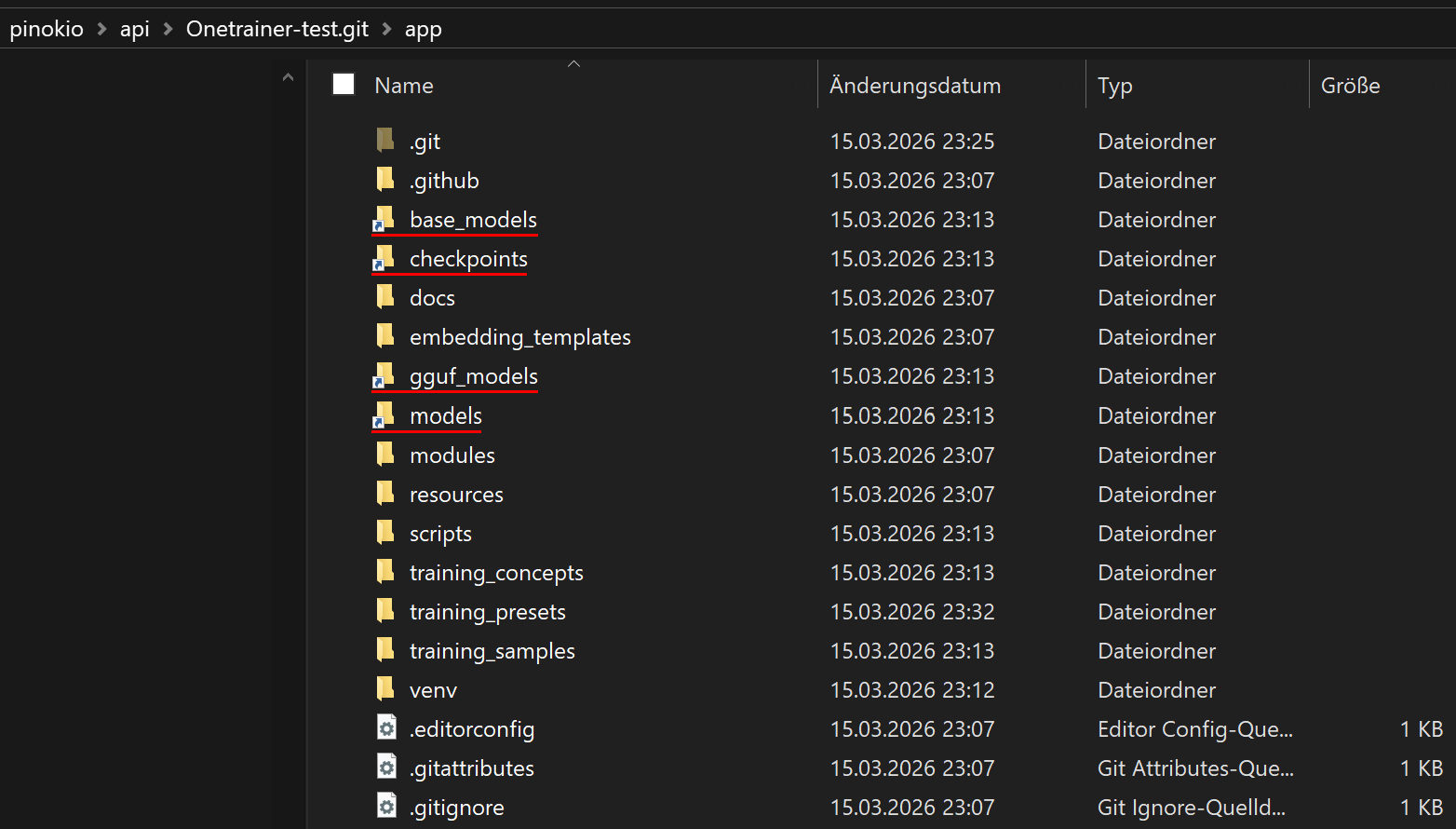
- Your diffusers pipelines will be saved in the base_model folder.
- Download finetuned models into the checkpoints folder.
- GGUF Models will be downloaded into the gguf_models folder.
- Your Loras will be saved in the models folder and can be used in other apps without moving it.
(If you finetune a model you need to move it to the checkpoints folder or the diffusion_models folder in comfyui, depending on which model you trained)
When deleting Onetrainer, your models and outputs will remain, safely stored in pinokio drive. Checkpoints and GGUF Models you download can also be used in other stable diffusion based apps like ComfyUI.
Detailed documentation can be found here: Onetrainer Trainings Guide