Pinokio
FeedAppsRemoteCreate
Download Pinokio
Sign inCreate accountJoin

New agents

Agents

FeaturedAnnouncedUpdatedNew

AI agents and other tools you launch by typing what you want.

Devin CLI
Devin, the AI software engineer, in your terminal.
6Morpheus6/Devinv7.0added 11d ago
@morpheus
Freebuff Desktop
Open the current project in the Freebuff Desktop app (Windows 64-bit).
45thhokage/Freebuff-pinokiov8.0.0added 2mo ago
J-Code
High-performance terminal AI coding agent with Google Antigravity, Claude, and OpenAI model support.

rishabh4496/jcode-pinokioadded 2mo ago
FreebuffFeatured
The FREE coding agent for your terminal.
6Morpheus6/Freebuff-pinokioadded 2mo ago
#agent
@morpheus
OpenClaudeFeatured
Open-source coding-agent CLI for OpenAI, Gemini, GitHub Models, Codex, Ollama, and OpenAI-compatible APIs.

cocktailpeanut/openclaudev8.0added 7mo ago
#agent
@cocktailpeanut
Hardcore Codex
OpenAI Codex CLI with --dangerously-bypass-approvals-and-sandbox
cocktailpeanut/hardcore_codexadded 10mo ago
@cocktailpeanut

Get project updates

Pulse

View all

The latest posts from across Pinokio.

Completly removed Pinokio directory, and cleaned registry. Then installed only pionokio and maestro. ...
@mikenl · Maestro
RHODIUM Germany Plattform für Datenintegrität, geschützte Datenübergabe, Wiederherstellung und techni...
@psychodaddy · Community
Darkroom is now on Pinokio: 1-click install Darkroom is a local image generation studio: a dark Gradi...
@pierrunoyt · Darkroom
New on Pinokio
@pierrunoyt · Darkroom
Automatically discovered via GitHub
Checked into Ruach Studio. In Linux Ubuntu, a hard rock/thrash-style track was successfully created a...
@arkinou · Community

Radar

View all

Projects getting attention.

Followed·just now
Darkroom
Local image generation studio: a dark Gradio UI on top of a bundled ComfyUI backend. https://github.com/PierrunoYT/darkroom-studio
Installable
Followed·4 min
Onetrainer
[NVIDIA, ROCM] One app to train them all. LORA training and Model finetuning for Z-Image, Qwen Image, FLUX.1, Flux.2 Dev and Klein, Chroma, SD 1.5 - 3.5, SDXL, Würstchen-v2, Stable Cascade, PixArt-Alpha, PixArt-Sigma, Sana, Hunyuan Video and inpainting models.
Installable
Followed·4 min
God's Eye View
A live 3D intelligence console for planet Earth.
Installable
Followed·7 min
FaceFusion 3.9.2
Industry leading face manipulation platform
Installable
Followed·7 min
MiniMax H3 Studio
1-click MiniMax H3 video in ComfyUI plus H3 Studio: local T2V/I2V, references, continuation, Gallery, Director/Cinema and TR/EN. NVIDIA GPU.
Installable
Pinokio
PrivacyTerms
FeedAppsCreateRemote

Explore the community

#showcase
Darkroom is now on Pinokio: 1-click install Darkroom is a local image generation studio: a dark Gradio UI on top of a ComfyUI backend. Write a prompt, pick a model, and watch the image develop step by step. The launcher installs Darkroom and its own ComfyUI with the right PyTorch for your GPU, and can download every supported model for you. 🎞️ What it does 🖼️ Text-to-image and img2img with SD 1.5, SDXL, SD 3.5, Z-Image, FLUX 3 Klein, Qwen-Image 2.1, MOSS-Image, Krea 2, Ideogram 4, HiDream O1, ERNIE-Image, Lens, Chroma, Ovis-Image, Anima and more. ✏️ Instruction editing: drop an image in t...
@pierrunoyt·1h ago
#cool-project
Darkroom is now on Pinokio: 1-click install Darkroom is a local image generation studio: a dark Gradio UI on top of a ComfyUI backend. Write a prompt, pick a model, and watch the image develop step by step. The launcher installs Darkroom and its own ComfyUI with the right PyTorch for your GPU, and can download every supported model for you. 🎞️ What it does 🖼️ Text-to-image and img2img with SD 1.5, SDXL, SD 3.5, Z-Image, FLUX 3 Klein, Qwen-Image 2.1, MOSS-Image, Krea 2, Ideogram 4, HiDream O1, ERNIE-Image, Lens, Chroma, Ovis-Image, Anima and more. ✏️ Instruction editing: drop an image in t...
@pierrunoyt·1h ago
#guide
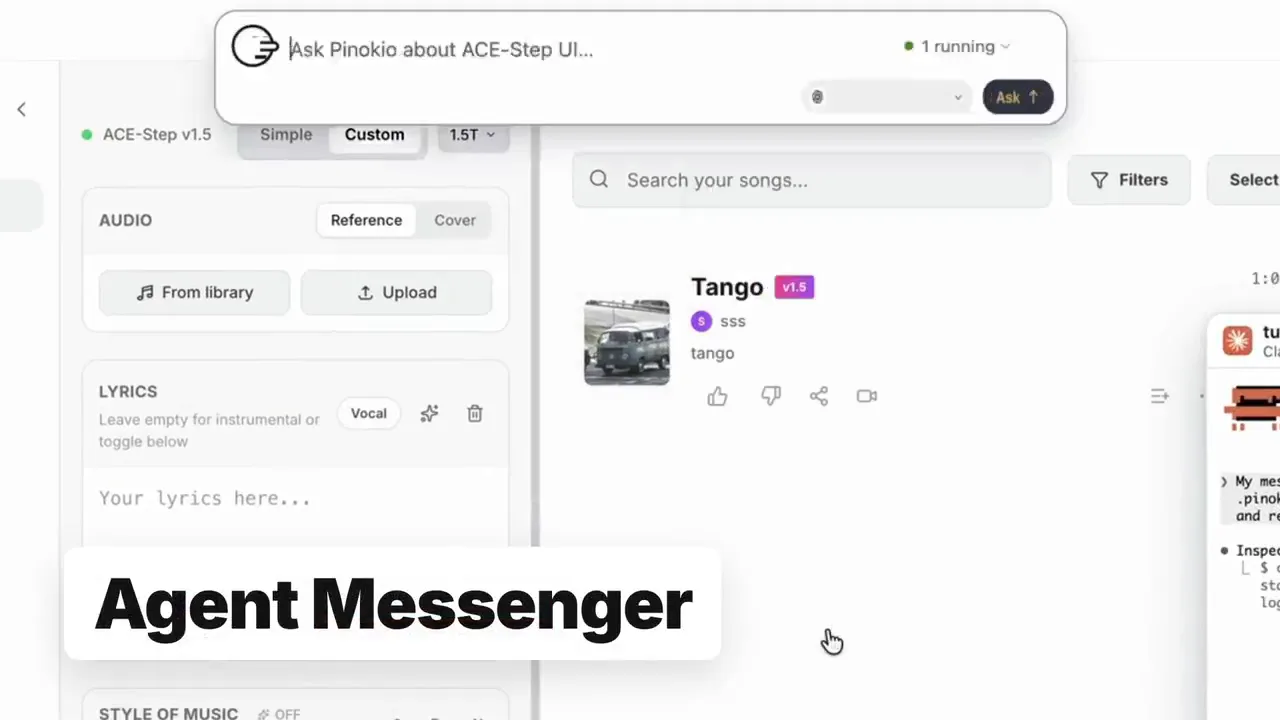
Agent Messenger: Chat with All Local Apps
@cocktailpeanut·21h ago
#testers-wanted
Darkroom is now on Pinokio: 1-click install Darkroom is a local image generation studio: a dark Gradio UI on top of a ComfyUI backend. Write a prompt, pick a model, and watch the image develop step by step. The launcher installs Darkroom and its own ComfyUI with the right PyTorch for your GPU, and can download every supported model for you. 🎞️ What it does 🖼️ Text-to-image and img2img with SD 1.5, SDXL, SD 3.5, Z-Image, FLUX 3 Klein, Qwen-Image 2.1, MOSS-Image, Krea 2, Ideogram 4, HiDream O1, ERNIE-Image, Lens, Chroma, Ovis-Image, Anima and more. ✏️ Instruction editing: drop an image in t...
@pierrunoyt·1h ago