No this is just for taking an image and asking the llm to describe it in a structured prompt, basically raw text. then you can take that text prompt and drop it into other apps that support Ideogram. so for actual generation you will need to use apps like WanGP, Maestro, ComfyUI, etc. all of which are on pinokio

cocktailpeanut
@cocktailpeanut
creator of pinokio https://x.com/cocktailpeanut
Joined
Replies · 39
add media is for uploading files. for embedding youtube you just paste the url, which you did correctly, which shows the thumbnail that links to the youtube video. i thought about using native youtube embed so the video plays directly on the post, but decided against it because there are way more downsides than upsides.
that said, i can see what's happening with your post. the youtube thumbnail is not being used for the preview of the post itself. I will look into it but for now if you want to display the thumbnail on post previews, you will need to:
1. attach a separate header image in addition to the youtube link
2. or post as a title-less post
@mvrdvkThe Director Mode tutorial is now available on YouTube https://youtu.be/B6VFKBcfv\ c?si\=uIvA06XKISIrZlVC This walkthrough shows how to set up a project, add characters and locations, plan scenes, and generate clips in MiniMax H3 Studio. If Director Mode has felt confusing, this video should help you get started. Thank
To make sure youtube videos are displayed properly in the post (instead of as inline links), just put the link on its own line. you should see the preview show up in realtime as you edit.
Or, you could use the basic post mode (not the full mode), and it will embed the video even if you don't place the link as its own line.
First download the Pinokio app desktop.pinokio.co/download.html and from there you can just install and run anything you see on this site directly in the app's explore page.
@rony71Apologies. It was so dumb of me to either have forgotten about or not open the Pinokio app. I was stupidly diving into the c drive and hunting and searching....told u am technically retarded. but your the screen shot and step by step is indeed helpful. i have deleted it and now its reinstalling....thank your time and g
you can actually delete apps inside the pinokio app easily. hope this helps pinokio.co/posts/01m4cxs54y44rx…
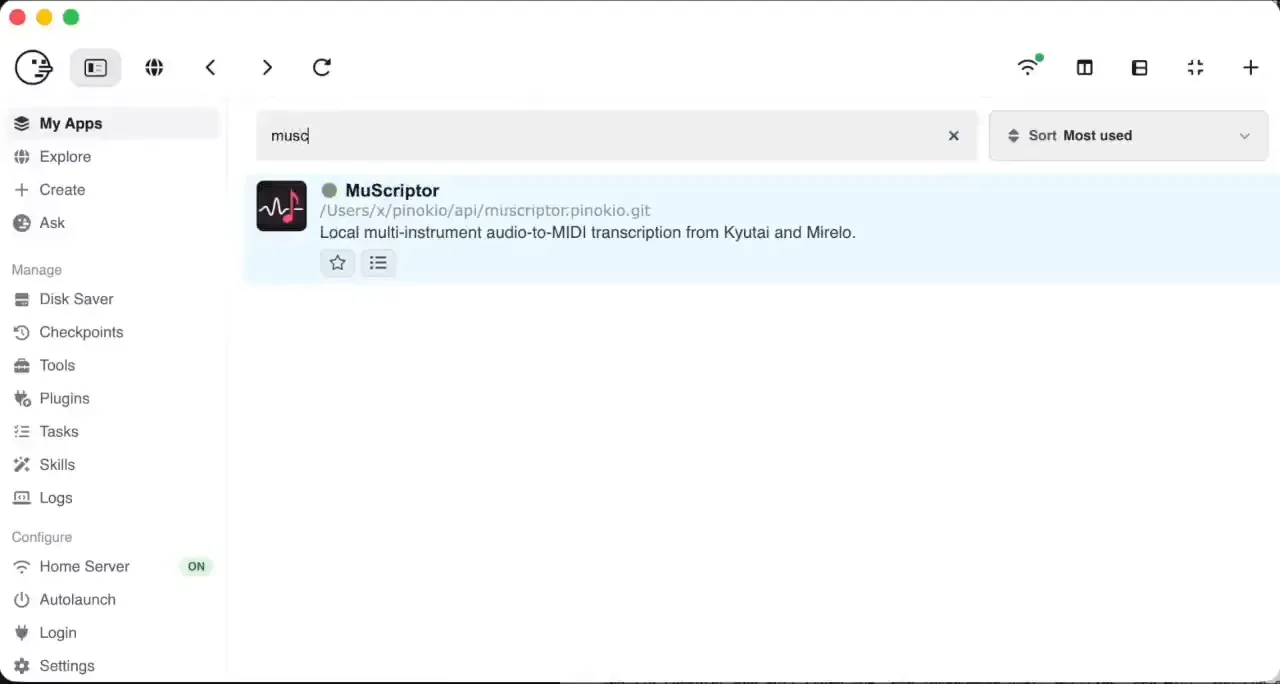
Hope this helps. try updating, and if it doesn't work, try reinstalling MuScriptor from scratch and it should work pinokio.co/posts/01m4bptn19a1pv…
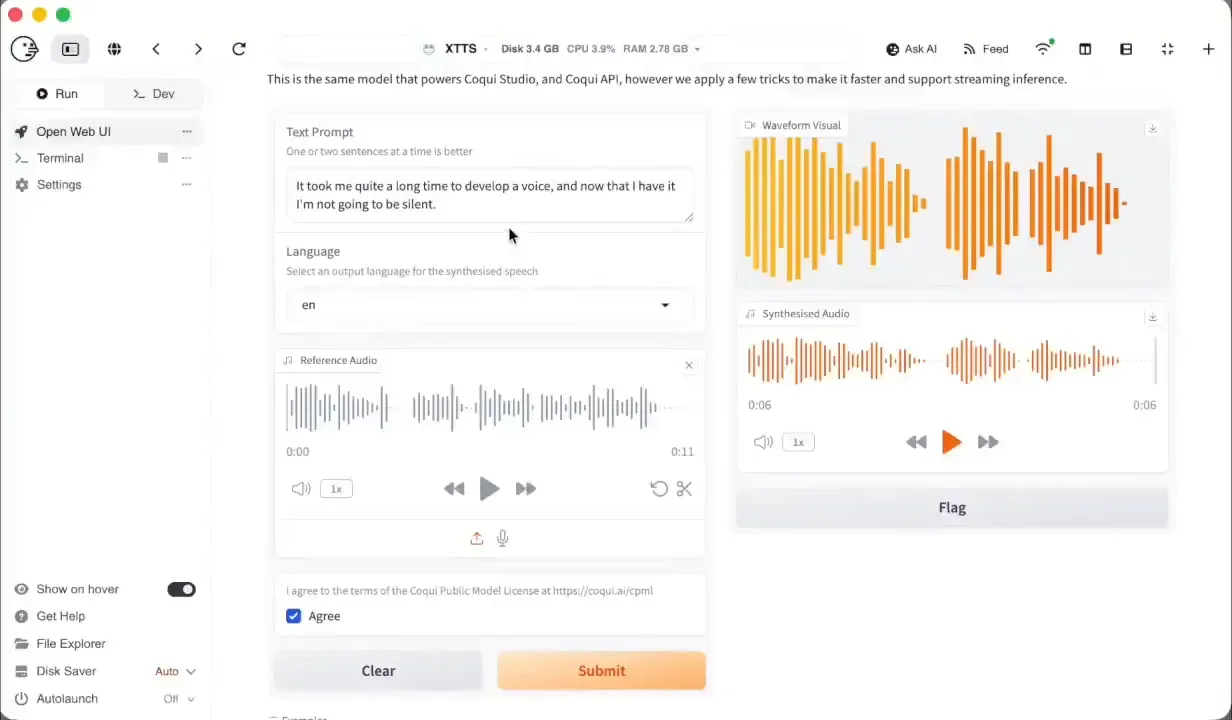
@alejo666XTTS: Some of Homebrew's bottles (binary packages) cannot be used with this prefix. App: XTTS (xtts.pinokio.git) Repo: https://github.com/cocktailpeanut/xtts.pinokio.git Generated: 2026-10-05T16:29:39.867Z Pinokio: 8.2.0 Platform: darwin arm64 Node: v22.21.1 Summary System json { "pinokio": { "version": "8.2.0", "node": "v22.2
Should be fixed now. Try installing from scratch. More here: pinokio.co/posts/01m478mgqv4p8n…
@nesraulbYou are right about it starting when no network is found. But if you set up your firewall to allow local net only. The app finds a network and tries to contact cdnj.cloudflare.com. it stalls when this dient succeed. . i suppose you are on Windows and unable to do this, but ude grep on linux and you will see s lot of i
Just to clarify, it's not my app, I simply implemented the launcher that installs the Fooocus project. Original project was created by lllyasviel: github.com/lllyasviel/Fooocus
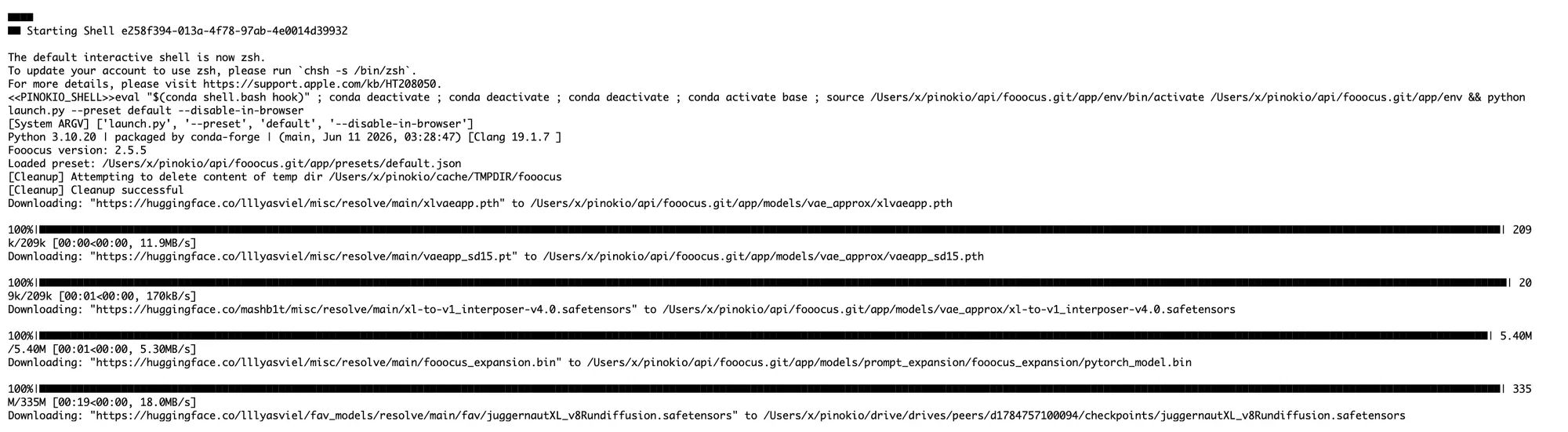
I didn't make up that screenshot above, i saw your post and literally installed from scratch and turned off the wifi and ran it and saw it generate the image just fine, and took the screenshot. You said "it wont start without inernet connection.", and I tried it, and it does work without internet connection, so if this is wrong, please correct me.
Also, please share where it makes requests to cloudflare or google fonts, I just checked the fooocus project code and it doesn't seem to do any of that. If this really is an issue, and you really can't start the app unless you have network connection, I am happy to see how i can help.
Like I said, I just wrote the launcher that automates the installation of the original Fooocus project, so I didn't build whatever is happening in the app. But if it's something that can be done on my end, happy to help. But need more information on what you are exactly experiencing, such as screenshots and the actual failure logs when you try to run it without network.

@cocktailpeanutThat's not true. It IS a local app, a well known one. Obviously it needs network connection at the beginning when there's no model downloaded (it will download the model on the first launch), but once that's done, no network access is needed. I literally just tried installing from scratch, finished installing, turned
more here pinokio.co/posts/01m453wajkscgc…
That's not true. It IS a local app, a well known one. Obviously it needs network connection at the beginning when there's no model downloaded (it will download the model on the first launch), but once that's done, no network access is needed.
I literally just tried installing from scratch, finished installing, turned off Wifi and tried launching again, and generated. Here's the proof (see the disconnected wifi sign)
Should be very feasible. For H3 can use WanGP/MMGP/ComfyUI backend, and for the LLM llama.cpp to maintain state. The idea is mostly about the workflow and straightforward enough that anyone could just ask an agent to build this, but using aforementioned backends, and build an app with a built-in launcher. In fact, someone should try precisely that -- paste this post URL to an agent and ask it to implement!
@hamzabossWhisper-WebUI: OSError: [WinError 4551] An Application Control policy has blocked this file App: Whisper-WebUI (whisper-webui.git) Repo: https://github.com/pinokiofactory/whisper-webui.git Generated: 2026-10-04T08:37:51.990Z Pinokio: 8.2.0 Platform: win32 x64 Node: v22.21.1 Summary System json { "pinokio": { "version": "8.2.0", "node
This isn't a bug in Pinokio or Whisper-WebUI. Windows itself refused to load a file.
Why it happens
Your system is Windows 11 Home. On Home editions, this error almost always means Smart App Control (SAC) is on. (It could also come from a company-managed WDAC policy, but that's unlikely on a personal Home machine) SAC blocks executables and DLLs that aren't code-signed unless Microsoft's cloud service already trusts them. Python packages installed from pip usually aren't signed. Many of them still get through because they're common enough to be trusted. A particular build of llvmlite.dll might not have that trust, so it gets blocked. SAC is on by default on clean Windows 11 installs, which is why users run into it without having changed anything.
Fix
Try this:
- Open Windows Security => App & browser control => Smart App Control settings.
- Set it to Off.
- Restart Whisper-WebUI. A reinstall shouldn't be needed.
On older Windows 11 builds, turning SAC off was permanent unless you reset or reinstalled Windows. Newer builds let you turn it back on. Either way, mention this in the reply so they can decide.