Sorry about all the commits and updates today. We kept making the same circular mistake. Update restarted Foundry, and reopening Foundry could start Update again. Preview 35 removes that step and checks for a newer release before stopping Foundry.
I’ve been working on making Foundry easier to try, easier to connect to your agent, and easier to help improve. I made a 1930s-style ray gun to show what that looks like. You can load the same reference in Foundry, export the textured model, and take it into Blender.
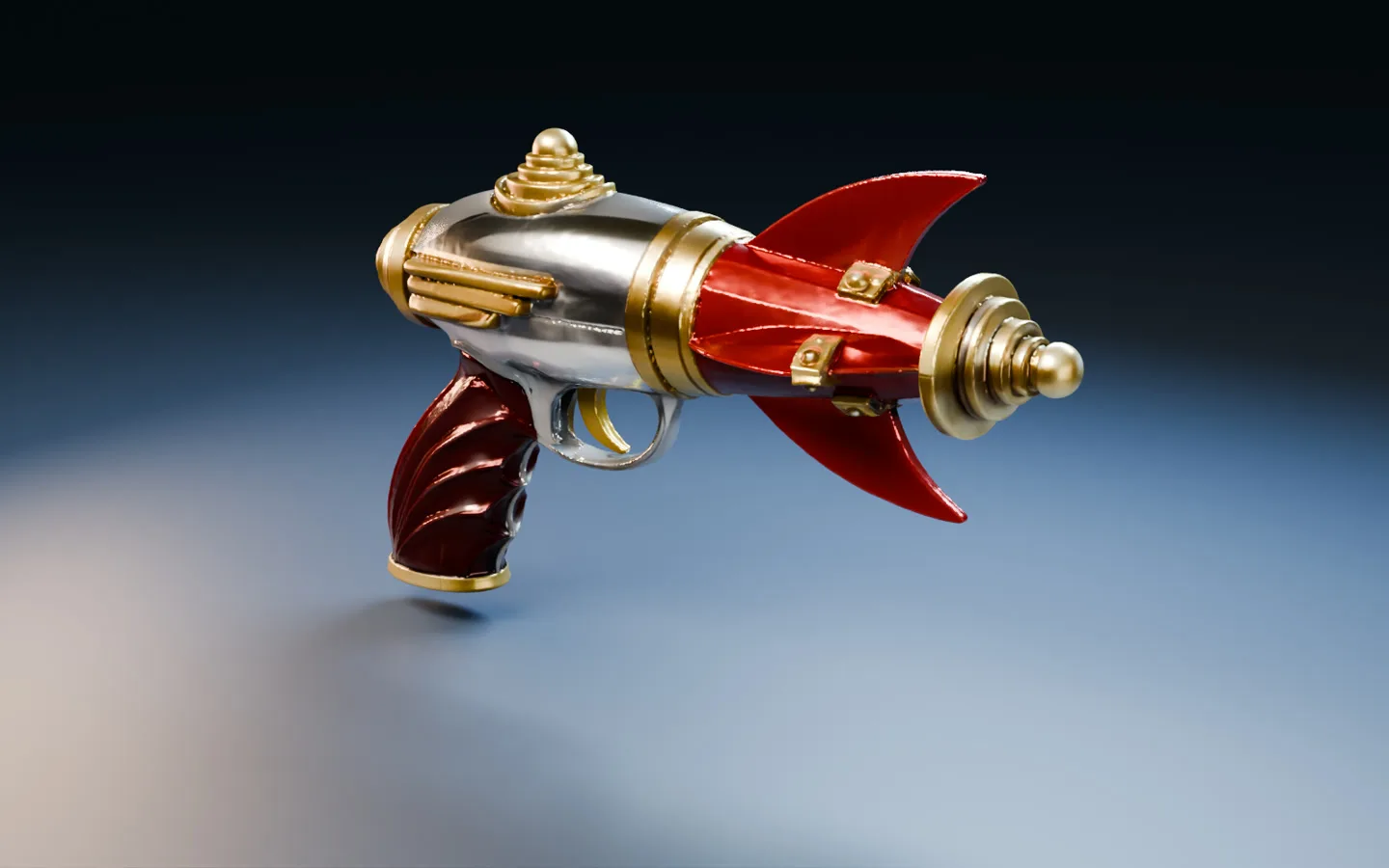
The Foundry GLB rendered under Blender studio lights.
What’s fixed. Clicking Next in Single Image or Text could stop with setText is not defined. Thanks to @rgdesign for flagging it here and to @SibioJak for reproducing it on GitHub. We also fixed a Windows ZIP verification error caused by inconsistent line endings. The Preview 35 update keeps Foundry running when you already have the newest release.
What you can try. Open Single Image or Text and choose Use sample image. First-use files shows which files the workflow expects to need and calls out anything it can’t estimate. If you hit an error, Copy details gives you a short report you can paste into an issue. The interface and workflow tips are available in all nine supported languages.
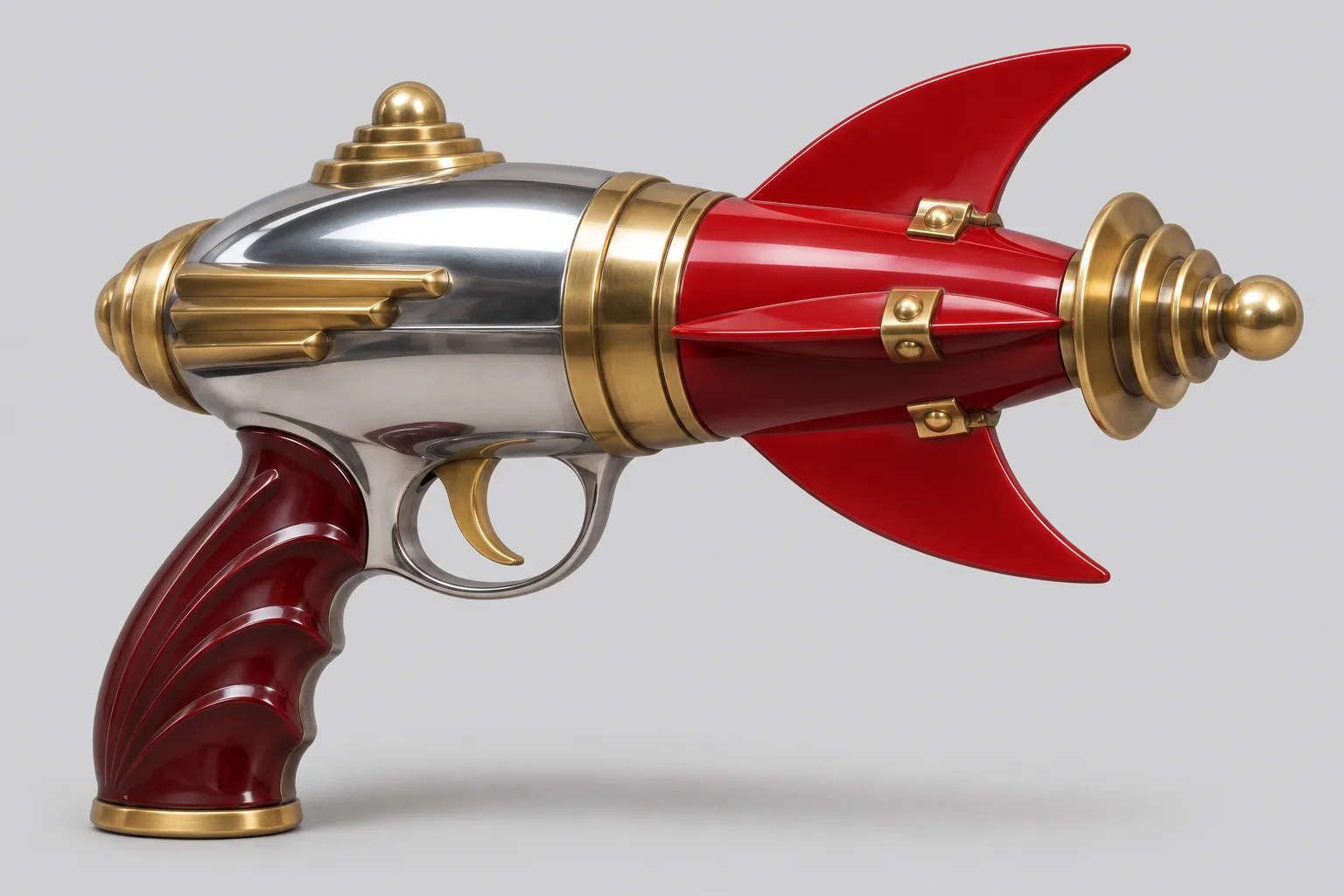
The original image you can load with Use sample image.
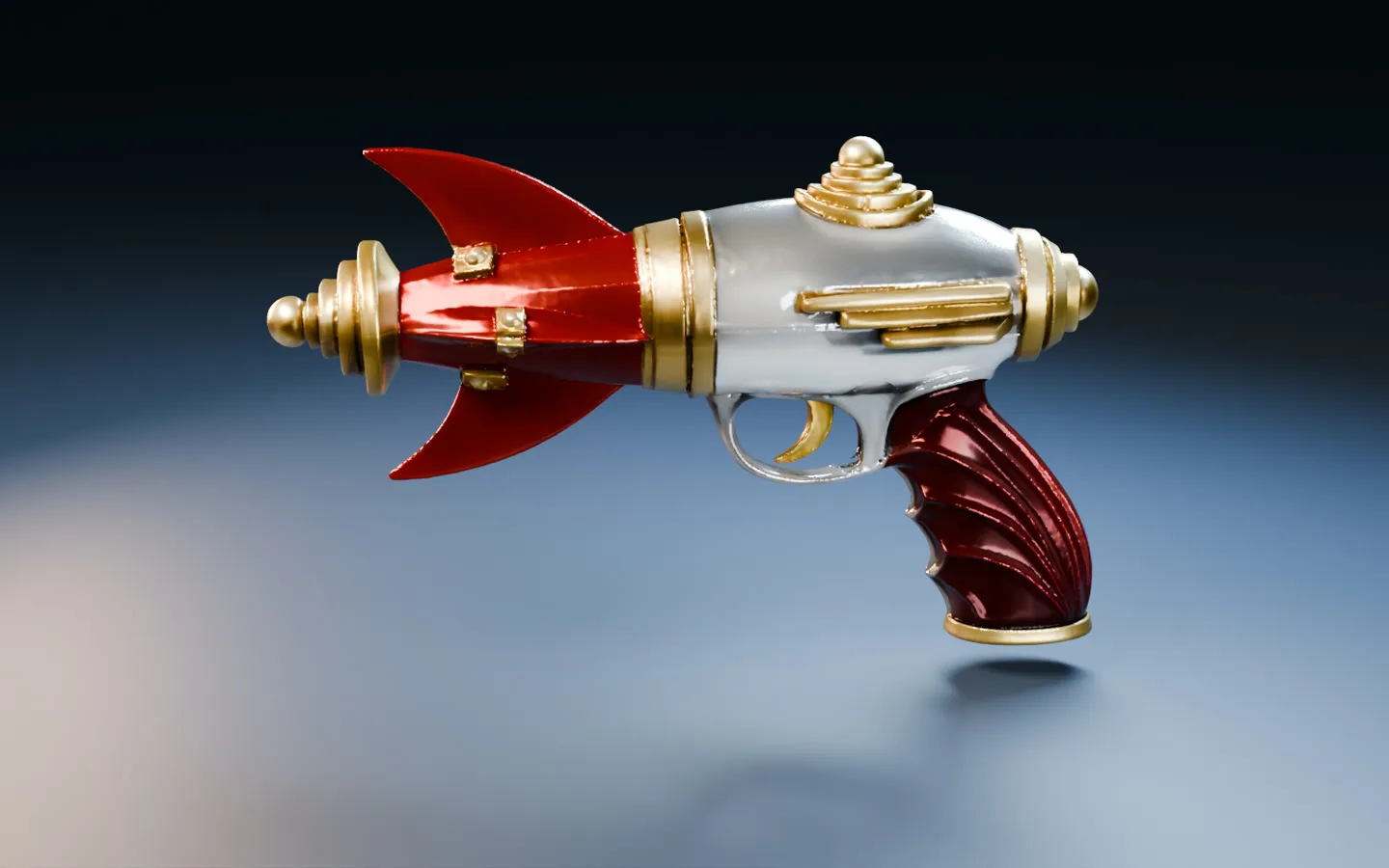
The exported ray gun spinning in Blender.
What changed under the hood
I’ve been giving the MCP and the companion SKILL.md a lot of attention. The tool descriptions now explain what inputs the agent needs and which calls read information, change a draft, or start a job. An agent can check first-use files before it queues work, watch the same progress you see in the wizard, and pick up the ZIP when it’s ready.
On the Red Comet run I stopped the texturing pass through MCP, then retried it. Foundry picked up from the saved geometry and refinement. The same workflow exported a GLB with two embedded 4K maps, which I imported into Blender and lit for the turntable. The updated skill walks agents through choosing the right workflow, checking the result, and bringing it into Blender. Walkthrough, source image, settings, and GLB
For the Windows ZIP fix, I compared all 639 files in the release ZIP with what Git produces from the release tag under both Windows line-ending settings. The new build matched byte for byte.
Preview 35 should be fine for tonight. I’m sure I’ll find more bugs tomorrow. Thanks for your patience and for trying Foundry, sending in bugs, and sharing your results. More workflows are coming, and I’ll keep refining the recipes and defaults as we see what works on real assets. If you make something you like, I’d love to see it and hear which settings helped.
Preview 35 on GitHub · Foundry on Pinokio


Sorry about all the commits and updates today. We kept making the same circular mistake. Update restarted Foundry, and reopening Foundry could start Update again. Preview 35 removes that step and checks for a newer release before stopping Foundry.
I’ve been working on making Foundry easier to try, easier to connect to your agent, and easier to help improve. I made a 1930s-style ray gun to show what that looks like. You can load the same reference in Foundry, export the textured model, and take it into Blender.
The Foundry GLB rendered under Blender studio lights.
What’s fixed. Clicking Next in Single Image or Text could stop with
setText is not defined. Thanks to @rgdesign for flagging it here and to @SibioJak for reproducing it on GitHub. We also fixed a Windows ZIP verification error caused by inconsistent line endings. The Preview 35 update keeps Foundry running when you already have the newest release.What you can try. Open Single Image or Text and choose Use sample image. First-use files shows which files the workflow expects to need and calls out anything it can’t estimate. If you hit an error, Copy details gives you a short report you can paste into an issue. The interface and workflow tips are available in all nine supported languages.
The original image you can load with Use sample image.
The exported ray gun spinning in Blender.
What changed under the hood
I’ve been giving the MCP and the companion
SKILL.mda lot of attention. The tool descriptions now explain what inputs the agent needs and which calls read information, change a draft, or start a job. An agent can check first-use files before it queues work, watch the same progress you see in the wizard, and pick up the ZIP when it’s ready.On the Red Comet run I stopped the texturing pass through MCP, then retried it. Foundry picked up from the saved geometry and refinement. The same workflow exported a GLB with two embedded 4K maps, which I imported into Blender and lit for the turntable. The updated skill walks agents through choosing the right workflow, checking the result, and bringing it into Blender. Walkthrough, source image, settings, and GLB
For the Windows ZIP fix, I compared all 639 files in the release ZIP with what Git produces from the release tag under both Windows line-ending settings. The new build matched byte for byte.
Preview 35 should be fine for tonight. I’m sure I’ll find more bugs tomorrow. Thanks for your patience and for trying Foundry, sending in bugs, and sharing your results. More workflows are coming, and I’ll keep refining the recipes and defaults as we see what works on real assets. If you make something you like, I’d love to see it and hear which settings helped.
Preview 35 on GitHub · Foundry on Pinokio