Use frontier Models in a simple user interface
If you want to use the latest image and video generation models and like the simplicity of Forge and Automatic1111, Forge Neo might be the right tool for you.
New models were added. From now on, also Anima, Ernie Image and Flux Klein 4b are available.
Anima for example is an amazing lightweight model allowing you to generate your own Comics, Mangas and drawings with simple prompts.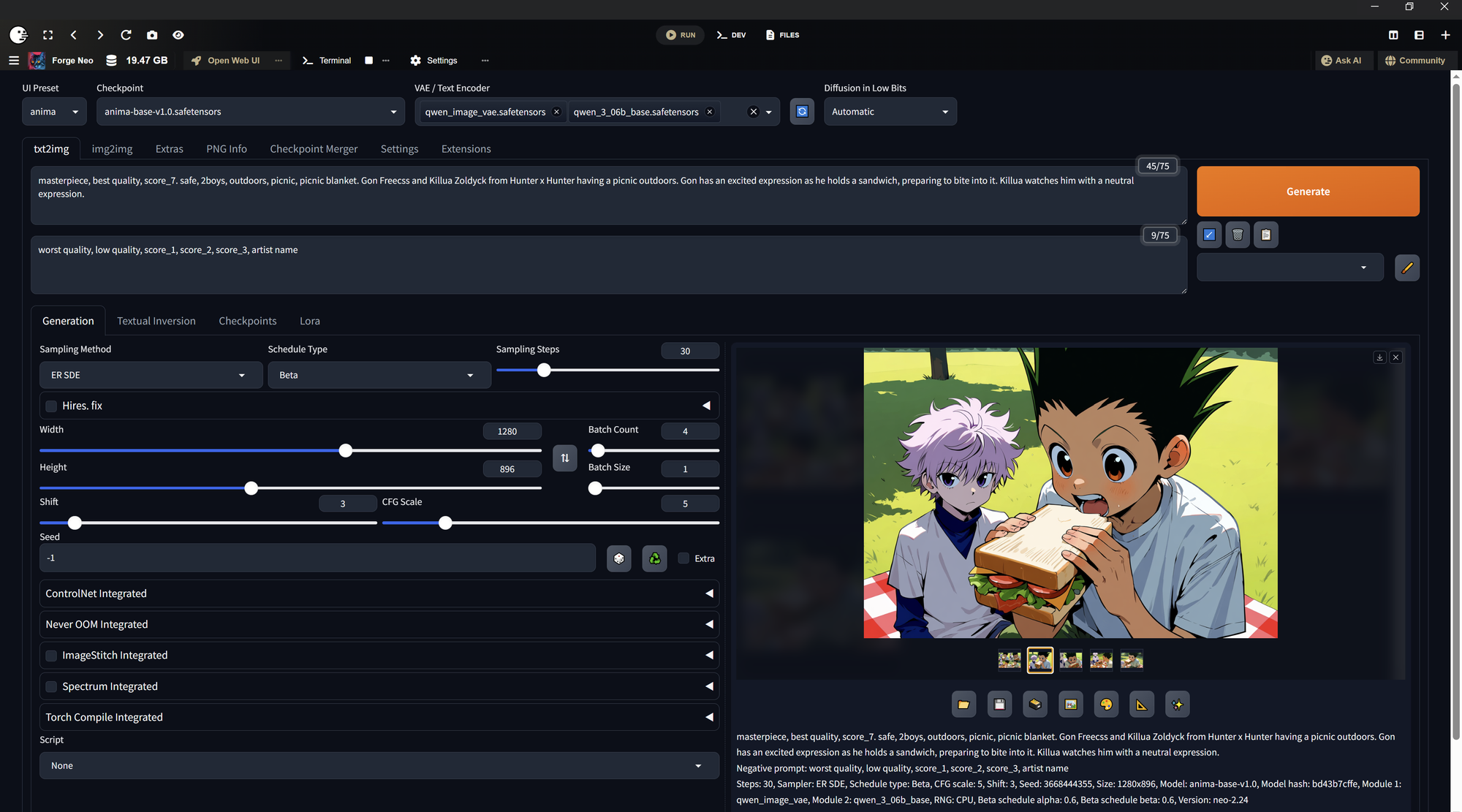
Supported Models:
- Wan 2.1 - 1.3B text2video
- Wan 2.2 - 14B text2video
- Wan2.2 - 14B img2video
- Anima
- Ernie Image
- Ernie Image Turbo
- Z-Image
- Neta Lumia
- Netayume Lumia
- Qwen Image
- Qwen Image Edit
- Flux2 Klein 4B
- Flux Kontext
- Flux Dev
- Flux Schnell
- SDXL
- SDXL Turbo
- SD1.5
Of course you can also download custom models from Civitai or Huggingface. Also Loras are supported.
For this latest update it is necessary to reset the user interface, which is why I added a Reset UI button.
It has to be done only once for this new update. This won't harm your downloaded models.
New settings will be created when starting Forge-neo.
Your old settings are still available in .\Forge-neo.git\app\config_old.json and .\Forge-neo.git\app\ui-config_old.json.
Resetting the UI is not necessary if you install Forge Neo from scratch or for the first time.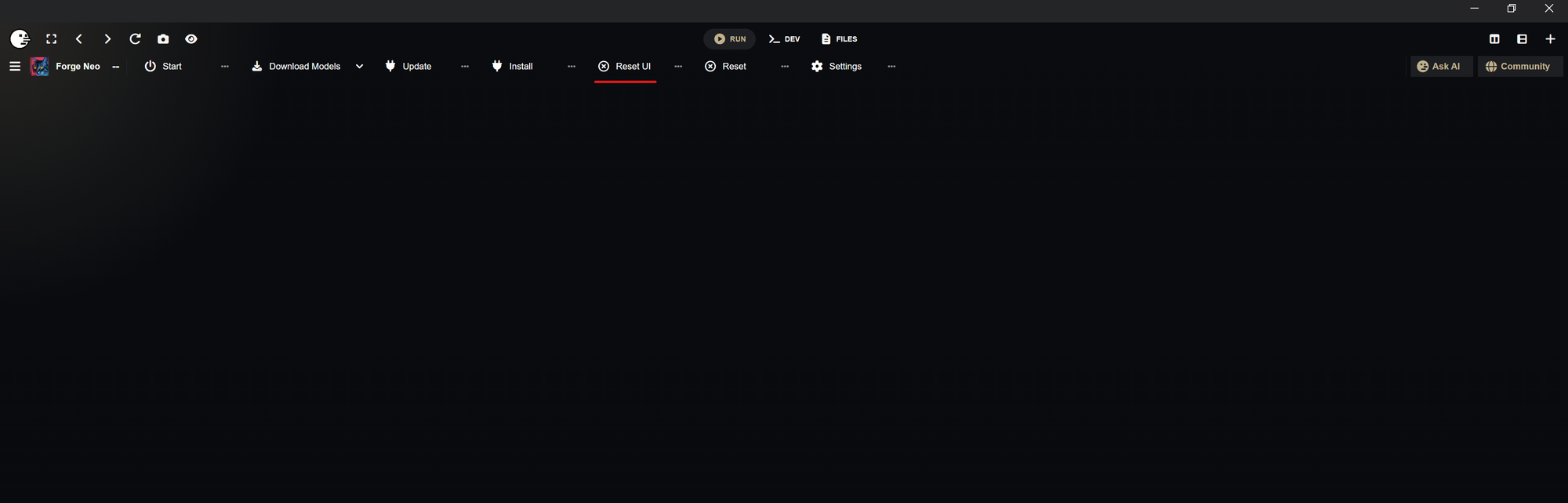
For some reason you can't start Forge Neo when Bluefairy Protection is enabled. So you have to deactivate it to launch Forge Neo successfully.
But the installation should also work with activated Protection.