
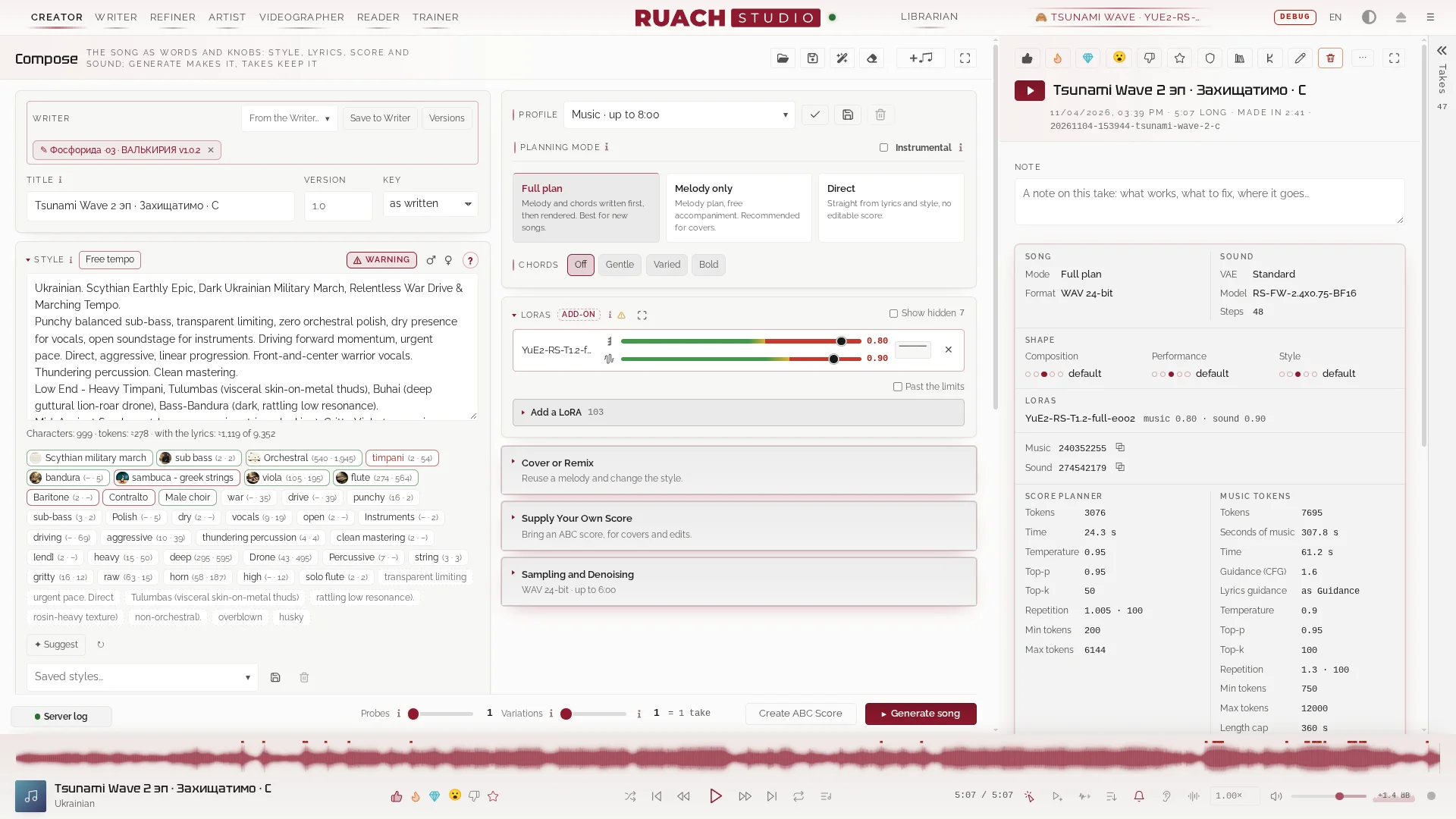
Great to hear, Cy, and thank you for coming back for a second round. 🤝 The AppImage is the Studio exactly as we ship and test it, all in one file, so it's the best way in.
If those pitch jumps ever come back, open that take's passport in the Library: it names the engine, the quant and the decoder the take was made with. Post it here or on GitHub, and we'll know where to look.
On the LLM: the Writer is optional, a song needs only your words and a style. If you do use it, point it at a local server or OpenRouter in Engine → LLM hosts. It hands the card back when it's done, so it doesn't fight the music engine for VRAM.
Have fun, and show us what you make!

Replies · 4
@cynic2020very strange setup / you have to build outside of Pinokio and run it also from the outside of pinokio yue2 llama build 12.8 Cuda compiler so for me it was a pain to get it anyhow to run (cachy OS) I removed it there are better and much easier installs available from my test's i did 5 or six the sound was complete
Thank you for trying it and for writing it down, cynic2020. You're right that it doesn't behave like a Pinokio app, and that's because it isn't one. Ruach Studio is a whole studio that runs as its own service on your machine, with its own engine, yue2.cpp, compiled for your card: Pinokio only fetches it and starts the build, and the Studio keeps living outside Pinokio when Pinokio is closed. That's where the CUDA 12.8 compiler comes from, and on CachyOS, which ships a newer CUDA, it takes extra steps. If you ever want another go without compiling anything, there is now a single AppImage on the GitHub release page with the engine already built. And if you remember what was off in the sound (noise, the voice, the timing), I'd be glad to hear it. Be well, and have fun with music!
@virdasruach install stopped: the studio runs on Linux x86_64 with an NVIDIA card (on Windows: INSTALL_WINDOWS.md, through WSL) =================================================== # input.event [ "ruach install stopped: the studio runs on Linux x86_64 with an NVIDIA card (on Windows: INSTALL_WINDOWS.md, through WSL)" ] ==
Hi virdas, thank you for trying, and sorry it stopped you. Ruach Studio runs on Linux today: its engine, yue2.cpp, is built for CUDA on Linux, so the Pinokio script stops on Windows instead of failing halfway through. A Windows package through WSL2 is being tested right now; when the testers confirm it works, I'll post the link here. If you still have your WSL attempt around, could you tell me where it failed (the error text, your card and its VRAM, and the driver version)? It will go straight into the Windows guide.
You’re all caught up.